In the rapidly evolving landscape of artificial intelligence, marketers and business leaders are increasingly finding themselves at a crossroads. Many have invested heavily in building proprietary ecosystems within specific platforms like OpenAI’s ChatGPT, Anthropic’s Claude, or Google’s Gemini. However, as these tools become the backbone of daily operations, a critical question emerges: What happens when your platform of choice experiences a service outage, a sudden price hike, or a performance decline?
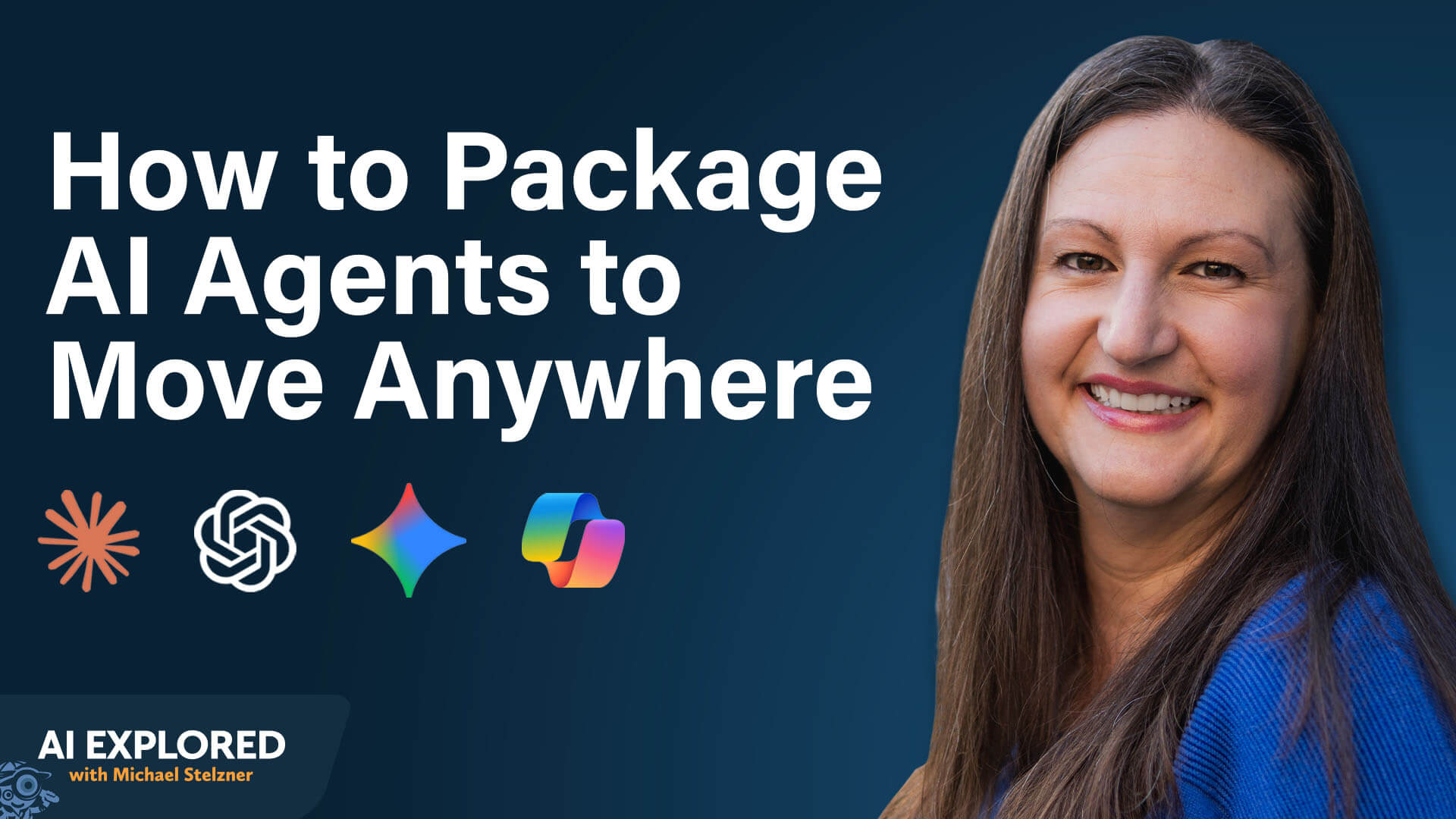
Nicole Leffer, an expert in AI-integrated operations, argues that the current "all-in" approach to AI platforms is a strategic liability. By decoupling your workflows from the underlying infrastructure, you can create a portable, resilient, and highly flexible AI strategy that ensures your business continuity regardless of which model is currently leading the market.
Main Facts: The Case for Platform Agnosticism
The fundamental problem with platform dependency is that it creates a "walled garden" effect. When you build prompts, project configurations, and data connections specifically for one tool, you are essentially outsourcing your operational stability to that provider.
The Risks of Dependency
- Operational Risk: Platform outages are not just inconveniences; they are business interruptions. If your entire content creation or data analysis workflow is trapped inside a tool that goes offline, your productivity grinds to a halt.
- Performance Volatility: AI models are dynamic. Updates to a model’s underlying architecture can lead to unexpected "drift," where a prompt that worked perfectly yesterday produces subpar results today. Being tethered to one platform leaves you unable to pivot when quality dips.
- Financial Vulnerability: Currently, many AI services are subsidized or competitively priced to gain market share. As these platforms mature, price structures may shift, or "lock-in" tactics may emerge. Without an exit strategy, businesses lose their leverage.
- Functional Limitations: No single AI model is the best at everything. One might excel at image generation, while another is superior at logical reasoning or coding. A portable workflow allows you to route tasks to the best-suited model without losing context.
Chronology: From Rigid Integration to Fluid Portability
Historically, users adopted AI by "living" inside the chat interface of their chosen provider. The shift toward portability requires a fundamental change in how we perceive AI: moving from a tool that contains our work to a processor that executes our work.
Phase 1: Externalizing Assets
The first step in achieving portability is moving instructions and context out of the AI’s memory and into your own file system. By storing configurations—such as custom instructions, agent setups, and project briefs—in a neutral location like Google Drive, Dropbox, or a local hard drive, you ensure your intellectual property remains accessible regardless of which AI front-end you use.
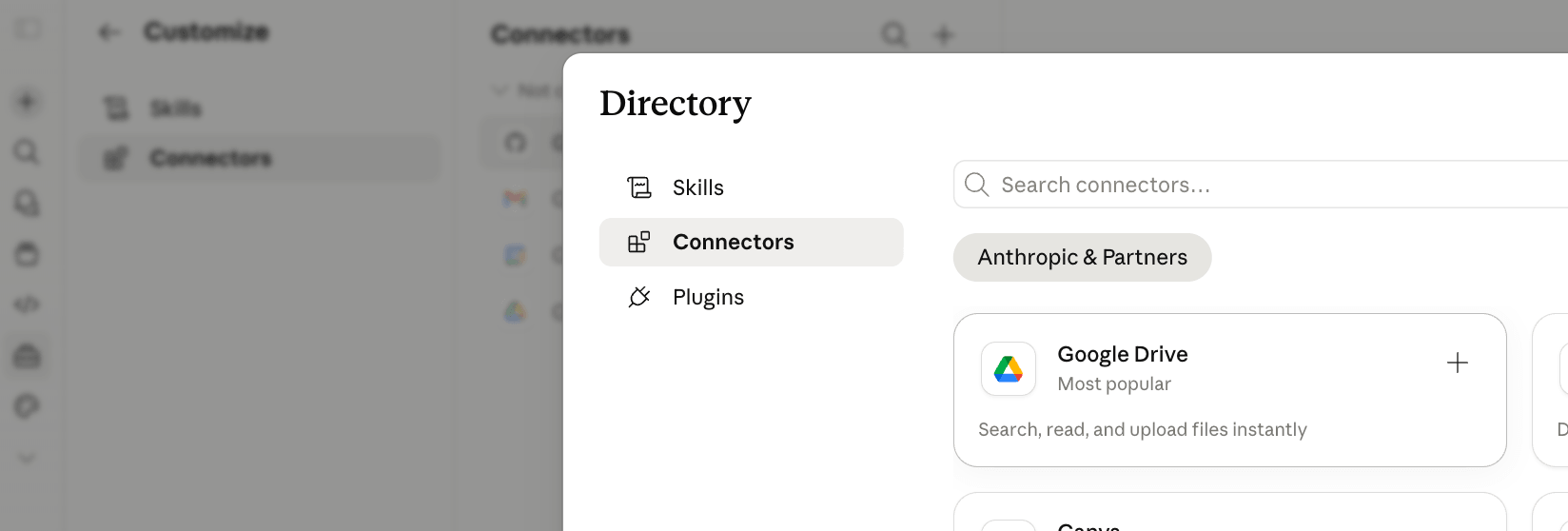
Phase 2: Implementing Connectors
With the advent of the Model Context Protocol (MCP), users can now bridge the gap between their storage and the AI. MCPs act as standardized APIs, allowing different AI models to reach out and pull context from your external folders. This is the cornerstone of portability: the AI doesn’t need to "own" the file; it just needs a secure, consistent way to read it.
Phase 3: The "Skill" Migration
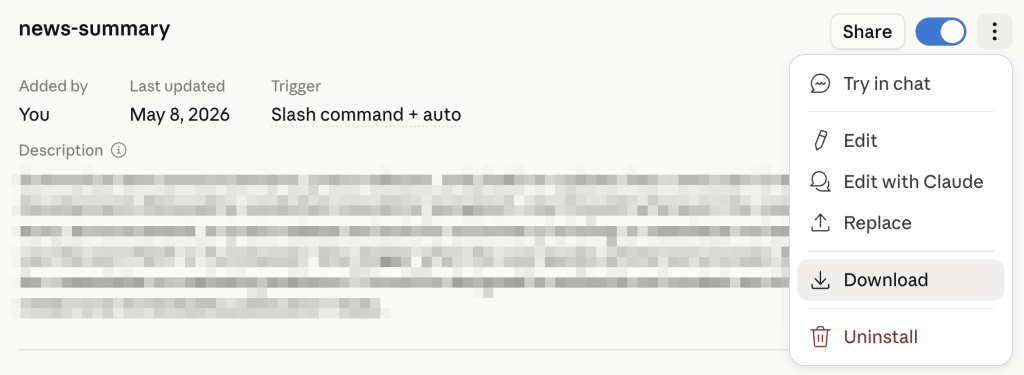
The evolution from simple prompts to "Skills" represents a significant leap. A skill, in this context, is a packaged set of instructions—usually a Markdown file—that teaches an AI how to perform a specific task. By zipping these files, users can transport their "expertise" from one platform to another instantly, much like loading a plug-in into a DAW (Digital Audio Workstation).
Supporting Data: Why Targeted Context Outperforms "All-In"
A common misconception in the AI space is that providing more data leads to better performance. Users often assume that connecting an AI to their entire enterprise database will result in a "smarter" output. However, research suggests the opposite: AI models perform best when they are fed curated, specific context.
By organizing your workflows into discrete, task-specific folders rather than dumping your entire company history into an AI, you achieve two primary benefits:

- Increased Accuracy: The AI is less likely to "hallucinate" or lose focus because it is not being distracted by irrelevant information.
- Ease of Maintenance: When a brand guideline or a process changes, you update a single file in your external storage. Because your AI agents pull from this source in real-time, the change propagates across all your workflows automatically.
Official Perspectives: The "Matrix" Approach to AI Skills
Nicole Leffer draws an analogy to the iconic scene in The Matrix where Neo downloads martial arts training. A well-constructed "Skill" functions identically. It is a .zip file containing a SKILL.md document that defines the AI’s persona, its objective, and the specific rules it must follow to succeed.
The Anatomy of a Portable Skill
- The Markdown Foundation: The mandatory core. It contains the instructions, logic, and behavioral guidelines for the AI.
- Optional Assets: These can include brand logos, code snippets, calculators, or reference templates.
- Verification: Because skills can be exported and imported, they are inherently shareable. An organization can build a "Copywriter Skill" once and deploy it across their entire enterprise, ensuring brand consistency across every team member’s account.
Crucial Warning: The portability of skills carries a security caveat. Users must exercise extreme caution when downloading skills from public repositories or third-party marketplaces. A malicious skill can be crafted to exfiltrate CRM data or execute harmful code. Leffer emphasizes that only sources from trusted providers (like Anthropic, OpenAI, or Google) or verified internal colleagues should be utilized.
Implications: Building a Self-Sustaining Workbook
The most sophisticated application of these principles is the creation of a "Self-Briefing Workbook." By using Microsoft Excel as the host, one can integrate AI plugins (Claude, ChatGPT, or Copilot) to act as an agent that manages the file.

Building the "Agent" Workflow
- The Planning Phase: Engage an AI to design the workbook structure before building it. Define tabs, formulas, and desired outputs in a chat conversation.
- The Briefing File: Convert that plan into a Markdown file. This file becomes the "Brain" of the workbook.
- Deployment: Drag the Markdown file into the AI plugin within Excel. The AI reads the instructions and builds the file according to the briefing.
- Cross-Platform Memory: Embed instructions within the workbook that force the AI to read a "History Log" tab upon opening.
This creates a self-correcting loop. If your primary AI platform experiences a service failure, you can simply open the Excel file in a different AI plugin. The new agent will read the embedded history, understand the previous state of the project, and pick up exactly where the last one left off.
Conclusion: The Path Forward
The era of blind platform loyalty is drawing to a close. As AI tools become more commoditized, the real value will lie in the infrastructure you build to control them. By adopting a portable workflow strategy—leveraging external storage, standardizing your "Skills" via Markdown, and embedding your own "Agent" instructions—you transform your business from a passive user of AI into an active orchestrator of intelligent systems.
In this model, the AI is no longer the destination; it is simply the engine. And as any experienced operator knows, you should always be able to swap out the engine without having to build an entirely new vehicle.
For more deep dives into the changing landscape of AI, subscribe to the "AI Explored" podcast, where experts like Nicole Leffer and Michael Stelzner provide actionable, real-world strategies for the modern marketer.