In the current digital landscape, the promise of "automating your business with AI" has become a siren song for entrepreneurs. Social media is saturated with viral tutorials claiming you can launch a fully autonomous business in six steps. However, for those who have actually tried these "one-size-fits-all" templates, the reality is often disappointing: generic outputs, broken workflows, and a profound sense of wasted time.
Keith Moehring, founder of L2 Digital, suggests that the secret to actual AI integration isn’t found in a pre-built template, but in the deliberate construction of a custom system that mirrors your unique business processes. By shifting from "AI as a chatbot" to "AI as an operational infrastructure," Moehring has successfully automated 60% of his agency’s workload.
The Reality of AI Implementation
The hard truth about AI agents is that they require more than a prompt—they require a blueprint. Moehring cautions that an agent is only as good as the context you provide. "You have to define the process, provide the context, and iterate until the output matches what you actually want," he explains.
Far from a "set it and forget it" tool, a successful AI agent acts as a "second brain." When built correctly, these agents log, consolidate, and store information in a queryable format. This creates a searchable institutional memory, allowing an entrepreneur to instantly retrieve project history or process documentation simply by asking the system.
The Chronology of Implementation: A Tiered Approach
Moehring advocates for a layered implementation strategy, moving from isolated task execution to high-level orchestration.
1. The Entry Level: Task-Specific Agents
At the foundational level, agents are built to handle singular, time-consuming, and repetitive tasks. These are not broad assistants; they are "surgical" tools designed to execute one function—such as reformatting data, summarizing specific documents, or drafting routine emails—with high reliability.
2. The Intermediate Level: Workflow Integration
Once you have several task-specific agents, the next step is coordination. Here, you build agents that manage the hand-offs between task-level agents, stringing together outputs to form a cohesive workflow.
3. The Advanced Level: Orchestration
The pinnacle of this system is the "Orchestration Agent." In Moehring’s case, an agent named "Leo" manages his monthly cycle. By giving Leo a single command at the start of the month, the agent triggers sub-agents to create tasks in ClickUp, draft client-specific emails, and initiate project kickoffs. What previously consumed two weeks of manual labor is now compressed into a one-hour review session.
Supporting Data: A Mini Case Study in Follow-Through
One of the most significant pain points for any consultant is post-meeting follow-through. Historically, action items were lost in the transition between meetings.
Moehring solved this by integrating Granola (for meeting notes) with Cursor (the AI-powered code editor). By adopting a strict naming convention—such as [ClientAcronym]_[MeetingType]—his agent can automatically identify, retrieve, and process notes. The system identifies action items, creates tasks in ClickUp, and attaches the relevant meeting context to those tasks. This removes the manual burden of reconstructing "what was said" from the entrepreneur, ensuring that no client commitment is ever dropped.

Establishing the Technical Foundation
For those looking to replicate this, the technical stack is critical. Moehring recommends a three-pronged architecture:
The AI Model
While models like OpenAI’s GPT-4o or Google’s Gemini are powerful, Moehring relies heavily on Claude (via Anthropic) for its reasoning capabilities. He emphasizes that the system should be "LLM-agnostic," meaning the architecture should allow you to swap models based on task complexity. For coding-heavy tasks, he utilizes Claude Code, while standard tasks run on the built-in models within his interface.
The User Interface
The most critical component often overlooked is the interface. Moehring uses Cursor, an AI-native code editor. Cursor allows users to work in natural language while maintaining a "context layer" of local files. Crucially, Cursor restricts the agent to the specific folder opened, ensuring security and preventing the AI from accessing unintended repositories.
The Context Layer
The "intelligence" of the system lies in its file structure. By maintaining a highly organized directory—containing subfolders for clients, internal processes, SOPs, and project history—the agent can effectively navigate your business’s "mental map" to execute tasks with high precision.
Strategic Roadmap: From Org Charts to Automation
Before writing a single line of code or a single prompt, you must map your business.

Step 1: The Accountability Chart
Moehring recommends using an accountability chart—a visual representation of your business functions (Sales, Marketing, Operations, Finance) and the roles that own them. Even if you are a solopreneur wearing every hat, this chart forces you to identify the recurring tasks associated with each role. This list of tasks is your "hit list" for automation.
Step 2: Building the Playbook
"Playbooks" are the SOPs for your AI. They are written instructions for the machine, not for humans. When building a playbook, document your current approach, identify the technologies (APIs, connectors) required, and draft a clear, numbered process.
Step 3: The Build Process
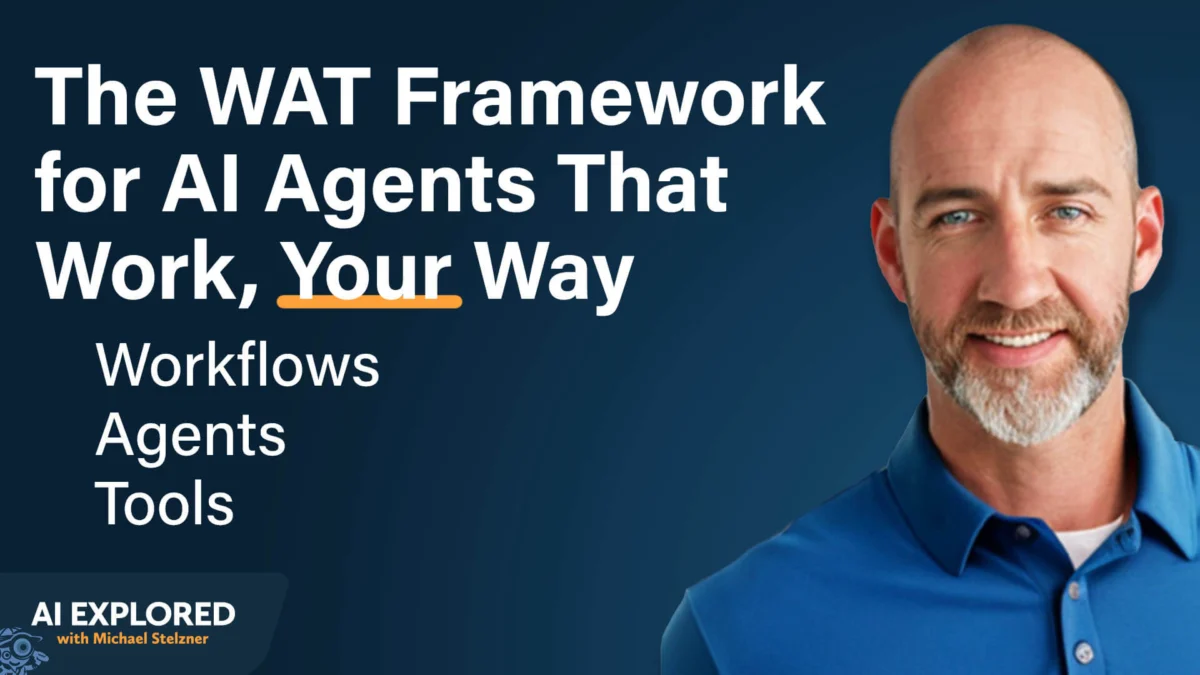
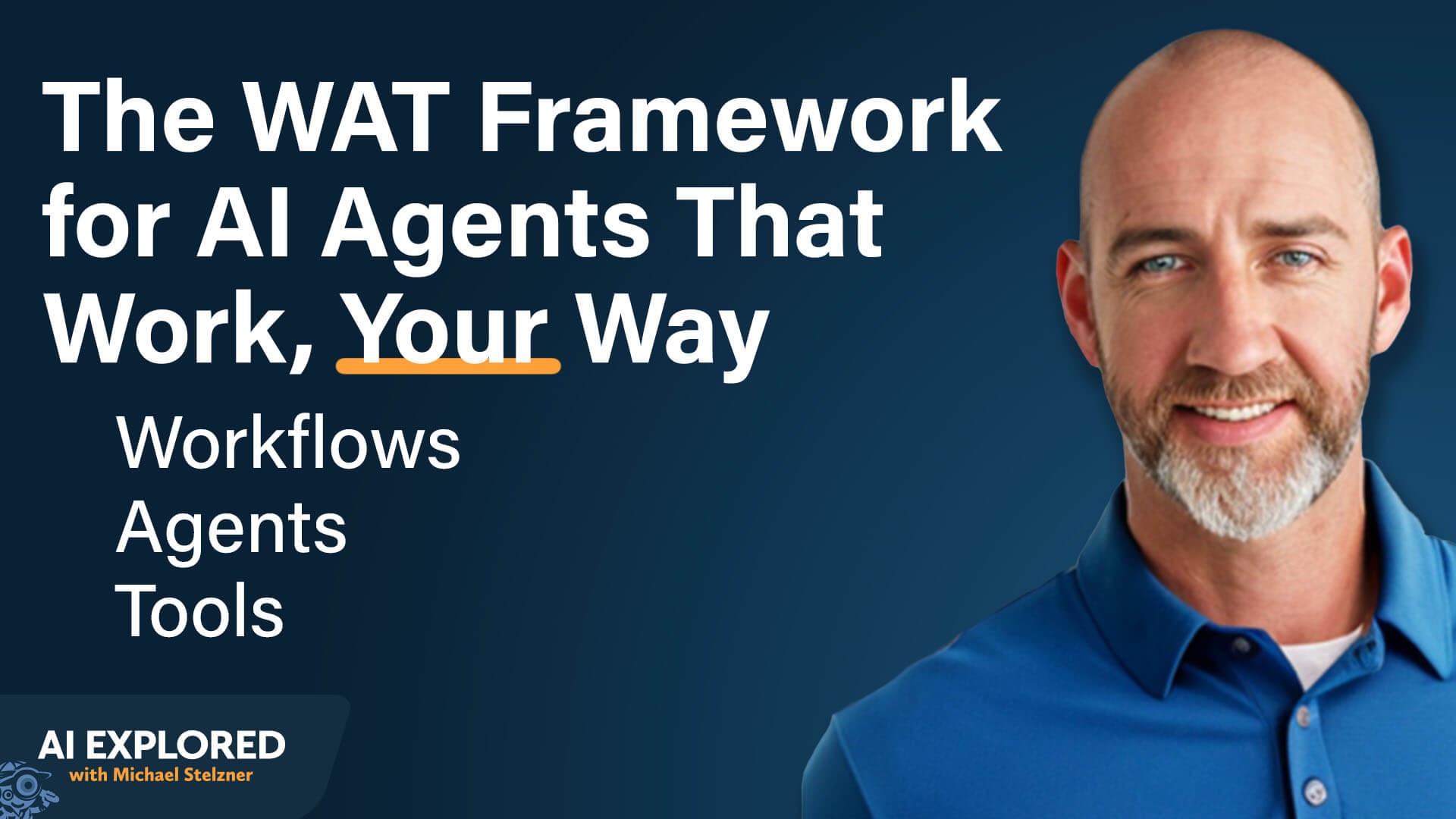
In the Cursor interface, you provide the agent with your documented process and templates. Utilizing the WAT Framework (Workflows, Agents, and Tools), you ask the AI to build the agent step-by-step. The AI will often propose a plan, which you can refine until it aligns perfectly with your operations.
Implications for Business Efficiency
The shift toward agentic workflows has profound implications for the future of work. The most successful entrepreneurs of the coming decade will likely not be those who use AI to write more emails, but those who build "agentic systems" that run their business operations while they sleep.
Key Takeaways for Success:
- Start Small: Avoid the temptation to build an "all-in-one" agent. Automate one narrow, annoying task first.
- Build Bottom-Up: Establish your foundation of task-level agents before attempting to build an orchestrator like "Leo."
- Automate Triggers: Once an agent is reliable, use tools like Cursor Automations or cron jobs to ensure they run on a schedule or in response to specific events, removing the need for manual intervention entirely.
As Moehring notes, the upfront investment in building these systems is substantial, but the payoff—reclaiming dozens of hours per month and building a scalable "second brain"—is the ultimate competitive advantage in an increasingly automated economy. By moving away from generic AI tools and toward bespoke, process-driven architecture, business owners can stop working in their business and start working on it.