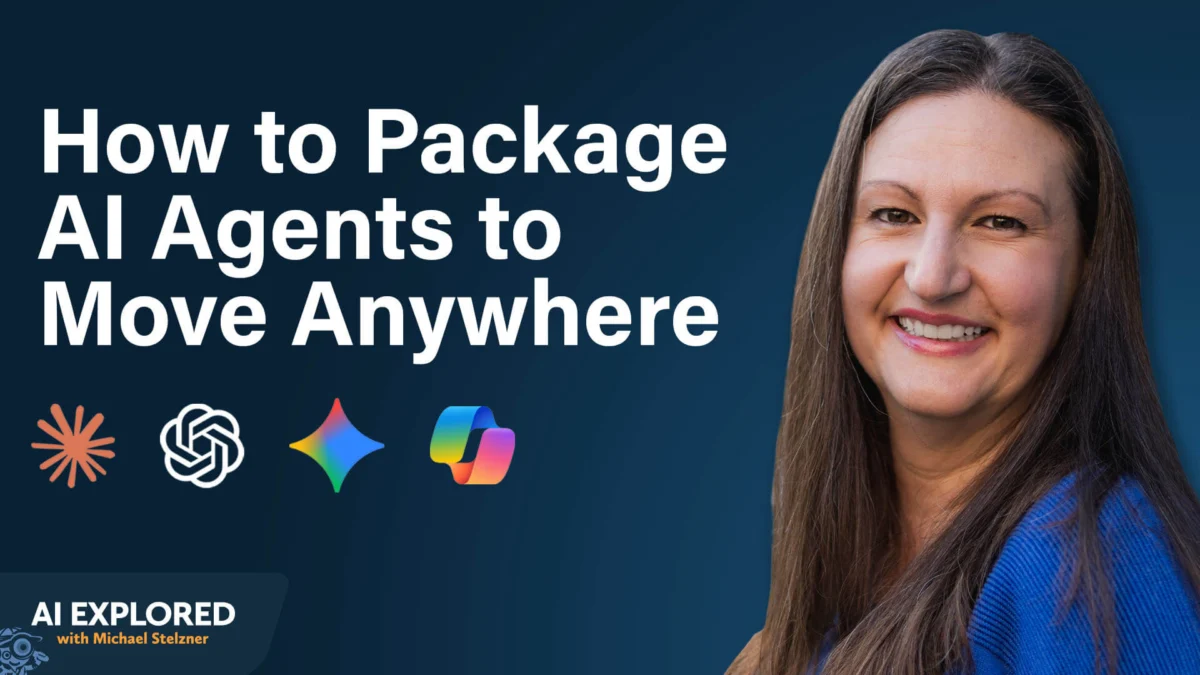
In the rapidly evolving landscape of generative AI, marketers and business leaders are increasingly finding themselves in a digital "golden cage." By building deep, complex workflows, custom GPT configurations, and proprietary prompts within a single ecosystem—be it OpenAI’s ChatGPT, Anthropic’s Claude, or Google’s Gemini—users are inadvertently creating significant operational risk.
What happens when your primary AI provider experiences a prolonged outage, pivots its pricing model, or pushes a model update that degrades the performance of your specific use case? For many, the answer is a total halt in productivity. To mitigate this, industry experts like Nicole Leffer are advocating for a paradigm shift toward "portable AI workflows"—a strategy designed to ensure your infrastructure remains agnostic, flexible, and entirely under your control.
The Strategic Imperative: Why Portability Matters
The convenience of integrated AI platforms often masks a dangerous dependency. When you tether your business processes to the proprietary architecture of a single vendor, you lose the ability to pivot.
Stability and Operational Continuity
As AI moves from a novelty tool to a core operational component, platform outages represent a genuine business risk. If your marketing engine relies on a specific custom GPT that vanishes when a server goes down, your output stops. Portability ensures that your "brain"—the instructions and context—is stored externally, allowing you to migrate your operations to an alternative model in minutes.
Performance and Quality Control
AI models are dynamic. Updates to underlying weights or RLHF (Reinforcement Learning from Human Feedback) protocols can lead to inconsistent outputs. Leffer notes that models can occasionally have "off days," where performance dips. By maintaining a platform-agnostic workflow, you can swap between models—using Claude for analytical precision or ChatGPT for creative flair—without needing to re-engineer your entire setup.
The Financial Leverage of Agility
Currently, AI pricing is relatively commoditized and low. However, as the industry matures, pricing models are likely to shift to reflect actual compute costs. If you are locked into a platform’s proprietary ecosystem, you lose your leverage to switch to more cost-effective alternatives. Portability keeps you in the driver’s seat, allowing you to follow the value rather than the vendor.
The Foundation of Portability: Externalizing Storage
The first step in building a portable AI architecture is decoupling your "context" from the platform.
Centralizing Instructions
Instead of configuring agents or "Gems" within the confines of a specific website, treat your instructions as modular files. By storing your project instructions, brand guidelines, and operational procedures in a dedicated location—such as a secure Google Drive folder, Dropbox, or a local hard drive—you create a "source of truth" that is accessible to any AI model you choose to deploy.
Leveraging the Model Context Protocol (MCP)
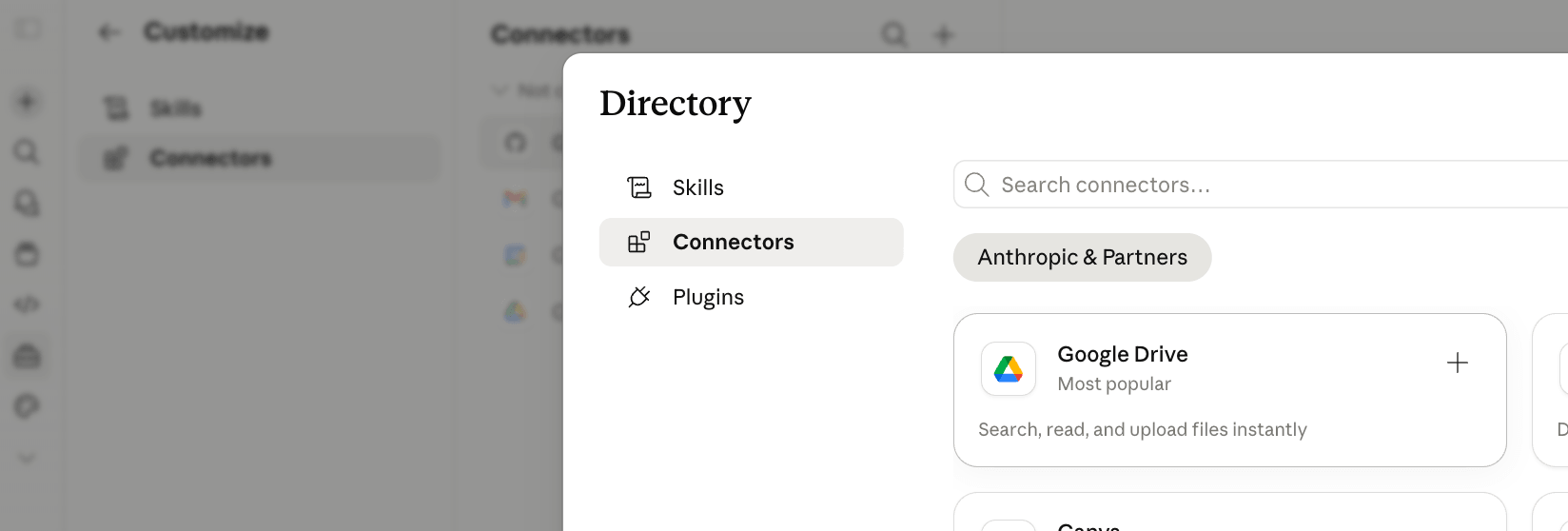
The emergence of the Model Context Protocol (MCP) has revolutionized how AI interacts with external data. MCP connectors act as universal APIs that allow disparate models to "read" your external folders or databases. By using MCPs, you ensure that your data connections remain consistent, regardless of whether you are querying your documents via Claude, Gemini, or an open-source model.
The Myth of "More Context is Better"
A common pitfall is the belief that AI performs best when fed your entire document library. In practice, LLMs often struggle with excessive noise. The most portable and effective approach is to curate "task-specific" folders. By pointing your AI to a folder containing only the documentation relevant to a specific workflow, you increase accuracy, reduce latency, and simplify your maintenance requirements. When a guideline changes, you update one file in your storage folder, and every AI platform referencing it updates automatically.
2: Skills: The "Matrix-Style" Download for AI
Perhaps the most sophisticated component of portable architecture is the concept of a "Skill." A skill is essentially a portable, zipped package that contains a Markdown file (SKILL.md) and any optional supporting assets like brand logos, code scripts, or calculators.
The Anatomy of a Skill
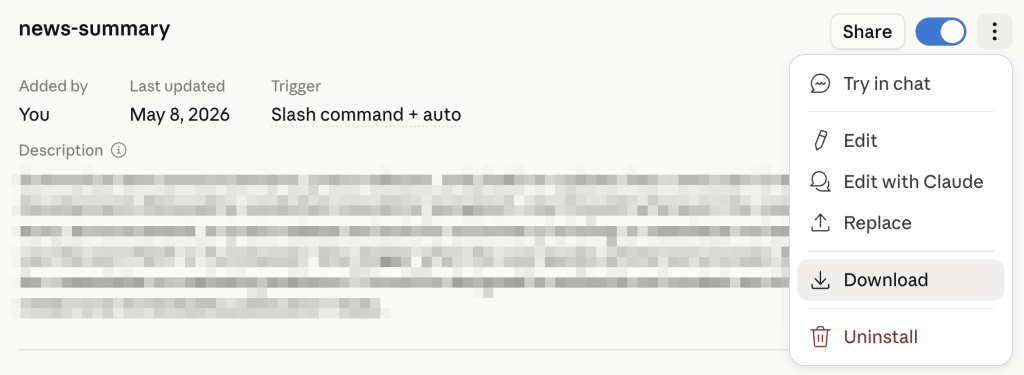
The SKILL.md file acts as the "instruction manual" for the AI. It provides structured directives that tell the model exactly how to execute a specific task. By packaging this file, you are essentially creating a plug-and-play module. If you build a sophisticated copywriting skill in Claude, you can download that file and upload it into any other platform that supports skill architecture.

Deployment and Creation
Platforms like Claude, ChatGPT, and Codex now offer built-in "Skill Creators." By chatting with these tools, you can describe your recurring workflows and have the AI generate the necessary markdown instructions.
- Pro Tip: For enterprise teams, skills can be deployed organization-wide. This ensures that every member of the marketing department is using the same brand voice, the same analytical rigor, and the same operational logic, all without needing to manually copy-paste prompts into individual accounts.
The Security Warning: Vetting Your Sources
As the ecosystem for shared skills grows, so does the risk of malicious code. Because a skill can contain executable scripts, downloading them from public, unverified GitHub repositories is a security hazard. A malicious skill could theoretically be programmed to scrape your CRM or exfiltrate sensitive data. Leffer stresses a "zero-trust" approach: only utilize skills created within your trusted organization or sourced directly from reputable vendors like Anthropic, OpenAI, or Google.
3: The Excel Agent: A Case Study in Portability
The ultimate expression of these strategies is the "Portable AI-Enabled Workbook." By transforming a standard Excel file into an autonomous agent, you can create a workflow that survives platform changes entirely.
Designing the Workbook
Using plugins for Claude, ChatGPT, or Copilot, you can activate AI agents directly inside Excel. The strategy involves:

- Conversational Planning: Before opening Excel, use an AI model to architect your workbook structure. Define your tabs, data columns, formulas, and desired dashboard visualizations.
- Briefing Files: Ask the AI to export this plan into a
briefing.mdfile. This file contains the "DNA" of your workbook. - Deployment: Once inside Excel, provide the AI with this briefing. It will build the workbook structure, including the necessary prompt tabs, in minutes.
Building Cross-Platform Memory
The true power of this method lies in the "memory" tabs. By including tabs labeled "Agent Instructions" or "History Log," you provide the AI with a persistent context. You can instruct the model: "Whenever you open this workbook, read the History Log tab first to understand what actions were previously taken."
Because these instructions reside inside the .xlsx file, the workflow is not tied to any single AI. If Claude is down, you simply switch your Excel plugin to ChatGPT. The new agent will read the same instructions, review the same history, and continue the task exactly where the last agent left off.
Implications for the Future of Work
The shift toward portable AI workflows is not just a defensive measure; it is a competitive advantage. Organizations that rely on proprietary vendor-locked setups are inherently fragile. Those that adopt a modular, portable, and data-centric approach are building an "AI-resilient" infrastructure.
The Evolution of Skill Sets
For professionals, the ability to architect these portable workflows will become a premium skill. Understanding how to write effective Markdown briefings, how to organize context for RAG (Retrieval-Augmented Generation) systems, and how to manage cross-platform agents is the next frontier of professional development.
Long-Term Strategic Planning
As the AI industry experiences consolidation and massive shifts in model capabilities, the ability to remain "platform-agnostic" ensures that your business can evolve alongside the technology. By focusing on the process—the skills, the data, and the instructions—rather than the interface, you ensure that your most valuable intellectual property remains portable, secure, and ready for whatever the next generation of AI may bring.
In conclusion, portability is about ownership. By taking control of your AI instructions and data, you ensure that you are no longer a guest in someone else’s digital ecosystem, but rather the architect of your own automated future.