For years, the promise of Artificial Intelligence in the business world has been hampered by a single, persistent barrier: the "human-in-the-loop" bottleneck. Business owners and marketers have spent countless hours copy-pasting data between tabs, manually triggering API calls, or acting as the bridge between disparate pieces of software.
OpenAI’s latest leap, Codex, is shattering that paradigm. No longer just a tool for generating text or debugging code, Codex acts as an autonomous layer for your entire digital ecosystem. By transitioning from a reactive chatbot to a proactive, file-aware agent, Codex allows users to automate complex, multi-step business processes without writing a single line of code.
Understanding the New AI Architecture
To grasp the power of Codex, one must first discard the misconception that it is a tool strictly for software engineers. Karl Yeh, an expert in AI implementation, posits that the central hurdle for business owners is viewing AI as a "search engine" rather than a "workforce."
OpenAI’s ecosystem consists of various "brains"—such as the 5.5, Instant, or Thinking models—housed within a "harness." While the web-based ChatGPT is a harness designed for conversation, the Codex desktop app is a harness designed for execution. When you deploy Codex, you aren’t just asking a model to think; you are granting it the authority to act on your local files, your browser, and your desktop applications.

The shift is fundamental: instead of asking a chatbot to write a spreadsheet, you ask Codex to manage your data lifecycle. It can read your files, create new reports, delete outdated entries, and execute multi-step business logic, all through simple, natural language commands.
Chronology of the Shift: From Chat to Execution
The evolution of AI in the workplace has followed a clear, three-stage trajectory:
- The Generation Era: Users began using tools like ChatGPT to draft emails, summarize documents, and generate content. The bottleneck here was the "copy-paste" requirement.
- The Integration Era: Platforms like Zapier, Make, and n8n allowed users to bridge apps. However, these required a technical understanding of triggers, actions, and webhooks, keeping the barrier to entry high.
- The Autonomous Era (The Codex Phase): We are now here. Codex bypasses the need for third-party integration platforms by functioning as a "headless" user that can navigate the UI of legacy software, manage local file systems, and execute logic natively.
By moving from a browser-based chat window to a local desktop agent, Codex bridges the gap between digital data and actionable business outcomes, effectively automating the "glue work" that consumes so much of the modern workday.
Deployment and Infrastructure: A Step-by-Step Approach
Getting started with Codex requires a disciplined approach to security and configuration. It is essential to distinguish between the limited Codex features sometimes found in subscription-tier ChatGPT and the full-featured Codex Desktop App.
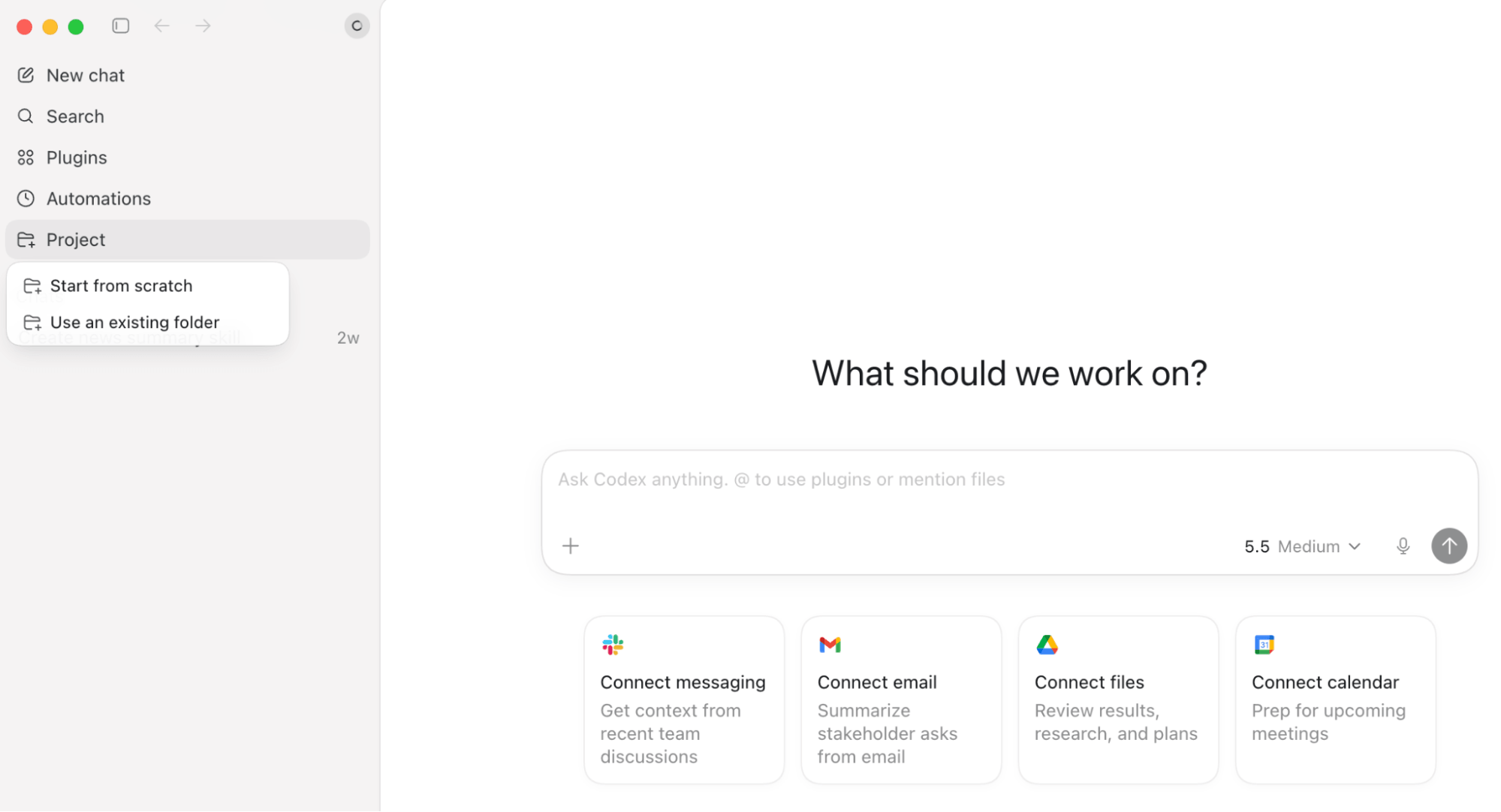
1. Setting the Foundation
Upon installation, the Codex interface will feel familiar to ChatGPT users, but with critical additions: Plugins and Automations. The core value proposition lies in its ability to connect to specific local or network-hosted folders.
Pro-Tip on Security: Never connect Codex to your entire root drive. Best practice dictates creating a specific, scoped directory for Codex. By limiting its access to a single "Agent-Inbox" folder, you ensure that even if an agent behaves unexpectedly, it cannot touch sensitive system files or critical company databases.
2. Permissions and Safety
Codex offers varying permission levels. For the uninitiated, always start with default permissions. As you build trust in your agent’s capabilities, you can expand access. Furthermore, users must be vigilant about "Prompt Injection." As AI agents become more prevalent, some websites are embedding hidden instructions designed to trick LLMs into performing unauthorized actions, such as data extraction.
Karl Yeh’s framework for safety is simple: Separation of Concerns.

- The Collector Agent: One agent gathers raw data from the outside world.
- The Verifier Agent: A second, isolated agent reviews the data for integrity.
- The Executor Agent: Only after verification does your internal workflow process the data.
Leveraging Skills and Plugins for Recurring Processes
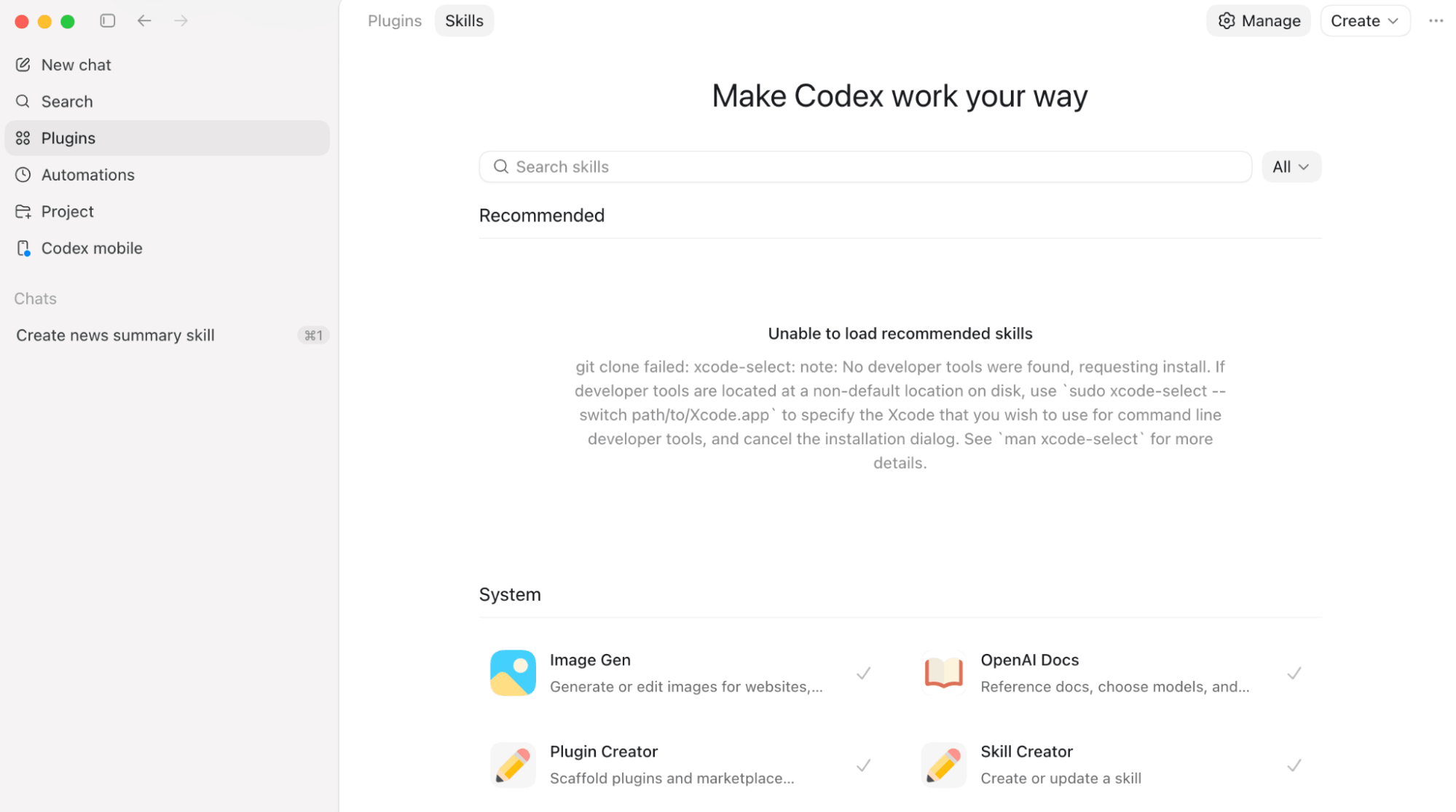
The true power of Codex lies in its extensibility. If a business process is repeatable, it is a candidate for a "Skill."
The Power of Custom Skills
A "Skill" is essentially a modular library of instructions. For example, rather than having different employees prompt an AI to write in the company’s brand voice, a manager can create a "Brand Guide Skill." By embedding your style guide and formatting preferences into a skill, you ensure that every piece of content generated by Codex across the organization remains consistent, professional, and on-brand.
The Chrome and Computer-Use Plugins
The recently released Chrome Plugin is a game-changer for businesses relying on legacy software that lacks modern APIs. Codex can navigate the browser like a human—clicking buttons, navigating menus, and filling out forms.
Similarly, the Computer Use plugin allows Codex to interact with desktop applications on your OS. Imagine an agent that logs into your project management software every morning, checks your tasks, and messages you a summary via iMessage. This isn’t a pipe dream; it is the current capability of the Codex platform.
The Mechanics of Automation: Goals, Automations, and Heartbeats
Codex organizes its work through three primary constructs:
- Goals: A high-level command (e.g., "Summarize all competitor news") that Codex will pursue until completion.
- Automations: Scheduled tasks that trigger at specific times or intervals.
- Heartbeats: A persistent check-in that keeps a thread alive, allowing the AI to retain context over long periods of deep work.
For instance, a "Heartbeat" is ideal for monitoring unread emails. Instead of a single, one-off check, the agent stays "awake," periodically scanning your inbox and flagging urgent items while ignoring the noise.
Implications: A Case Study in Construction Efficiency
To illustrate the tangible impact of these tools, consider the case of a construction company struggling with invoice reconciliation. Previously, the team spent three full days monthly manually reconciling hundreds of invoices.
By using Codex, they established a system where:

- Invoices are dropped into specific folders.
- An automation triggers every Sunday at 10 PM.
- Codex spawns multiple subagents—each responsible for one vendor—to reconcile data in parallel.
- By Monday morning, a master summary is ready.
The result? A process that once consumed days now takes less than 30 minutes of "set it and forget it" time. This level of automation is not just a productivity hack; it is a fundamental shift in how small-to-mid-sized businesses can compete with larger enterprises by operating with hyper-efficiency.
The Future of the Digital Workplace
The integration of Codex into the business environment represents the final maturation of the AI revolution. We are moving away from an era of "generative" AI—where the AI produces words—to an era of "agentic" AI, where the AI produces results.
As businesses begin to adopt these tools, the competitive advantage will go to those who learn to orchestrate agents effectively. By standardizing workflows through Skills, securing environments through scoped permissions, and leveraging Automations to handle the mundane, business owners can reclaim their most precious resource: time.
The future of business isn’t just about using AI; it’s about building an autonomous workforce that never sleeps, never complains, and is always ready to execute the next goal. The tools are here. The question is: are you ready to delegate?