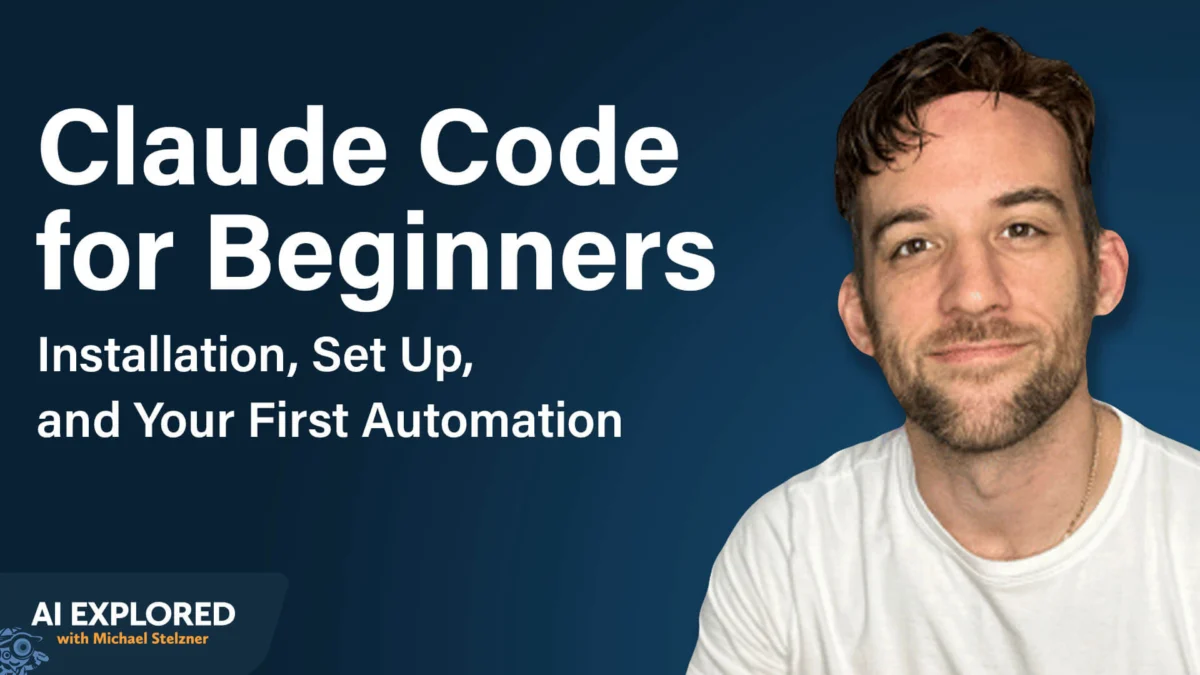
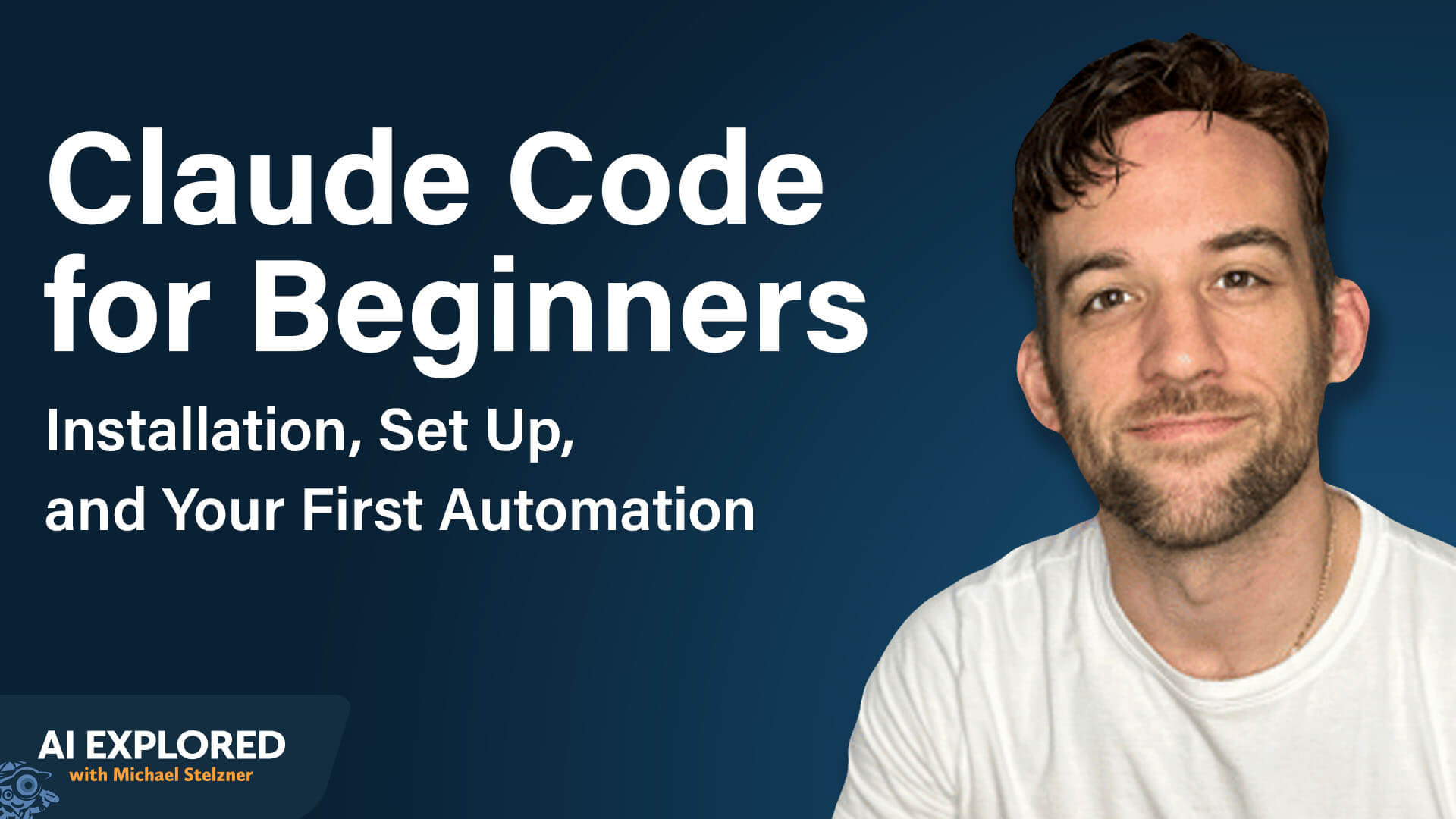
The barrier to entry for software development has historically been a high-walled garden guarded by syntax errors, complex environment setups, and years of specialized education. However, a new paradigm is shifting the landscape of digital productivity: agentic AI. Among the most potent of these tools is Claude Code, an interface designed by Anthropic that allows users to build, automate, and execute complex applications using nothing more than natural language.
As AI educator Tyler Reed explains, the misconception that one must be a programmer to build sophisticated automations is rapidly becoming obsolete. Today, the most prolific automation creators are often those who have never written a traditional line of code, relying instead on the reasoning capabilities of advanced large language models (LLMs).
The Evolution of Agentic Development
Before the advent of tools like Claude Code, building even the most rudimentary integration—such as syncing a Gmail inbox with a digital calendar—required a Herculean effort. Users had to navigate the labyrinthine world of API documentation, manage sensitive credentials, secure secret keys, and spend hours troubleshooting cryptic errors on forums like Stack Overflow.
Claude Code changes this by acting as an autonomous agent. Instead of requiring the user to bridge the gap between intent and implementation, the tool handles the heavy lifting: it conducts research, writes the necessary code, establishes secure connections between disparate applications, and executes the requested tasks. It represents a fundamental shift from "coding" to "directing"—a transition where human intent becomes the primary driver of technical execution.
Essential Prerequisites for Implementation
Before diving into the terminal, prospective users must ensure they have the proper foundation to support this workflow.
1. The Subscription Requirement
To unlock the full potential of Claude Code, a paid Claude Pro subscription is essential. While free tiers offer limited utility, the $20/month Pro subscription provides the necessary compute and access to advanced models required for complex agentic tasks. Claude Code operates within the bounds of your existing subscription, meaning there are no additional hidden fees for the interface itself.
2. Understanding the Command-Line Interface (CLI)
Claude Code is a command-line tool. For many non-technical users, the terminal—a stark, text-based window—can be intimidating. However, it is important to view this as a conversational workspace rather than a technical barrier. Whether you are using macOS, Windows, or Linux, the terminal serves as the bridge between your natural language prompts and your computer’s operating system.
Safety is built into this interaction. By default, Claude Code operates on a "human-in-the-loop" basis. It will request explicit permission before performing any action that impacts your file system, such as browsing the web, creating a document, or modifying a folder. This ensures that you remain the final arbiter of what the AI does on your machine.
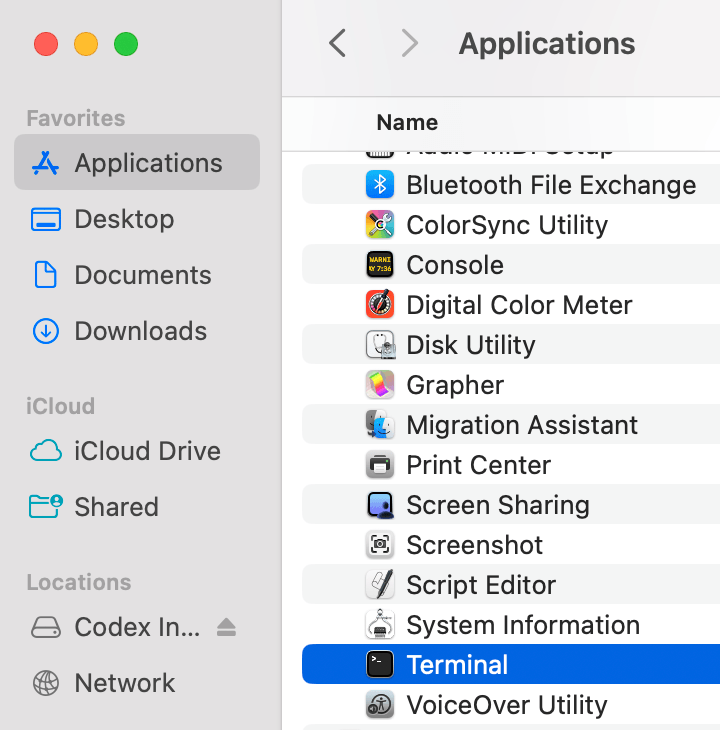
The Technical Setup: A Step-by-Step Guide
Setting up Claude Code is a straightforward process, provided you follow the official documentation.
- Open the Terminal: Locate your operating system’s terminal application (e.g., Terminal on Mac, Command Prompt or PowerShell on Windows).
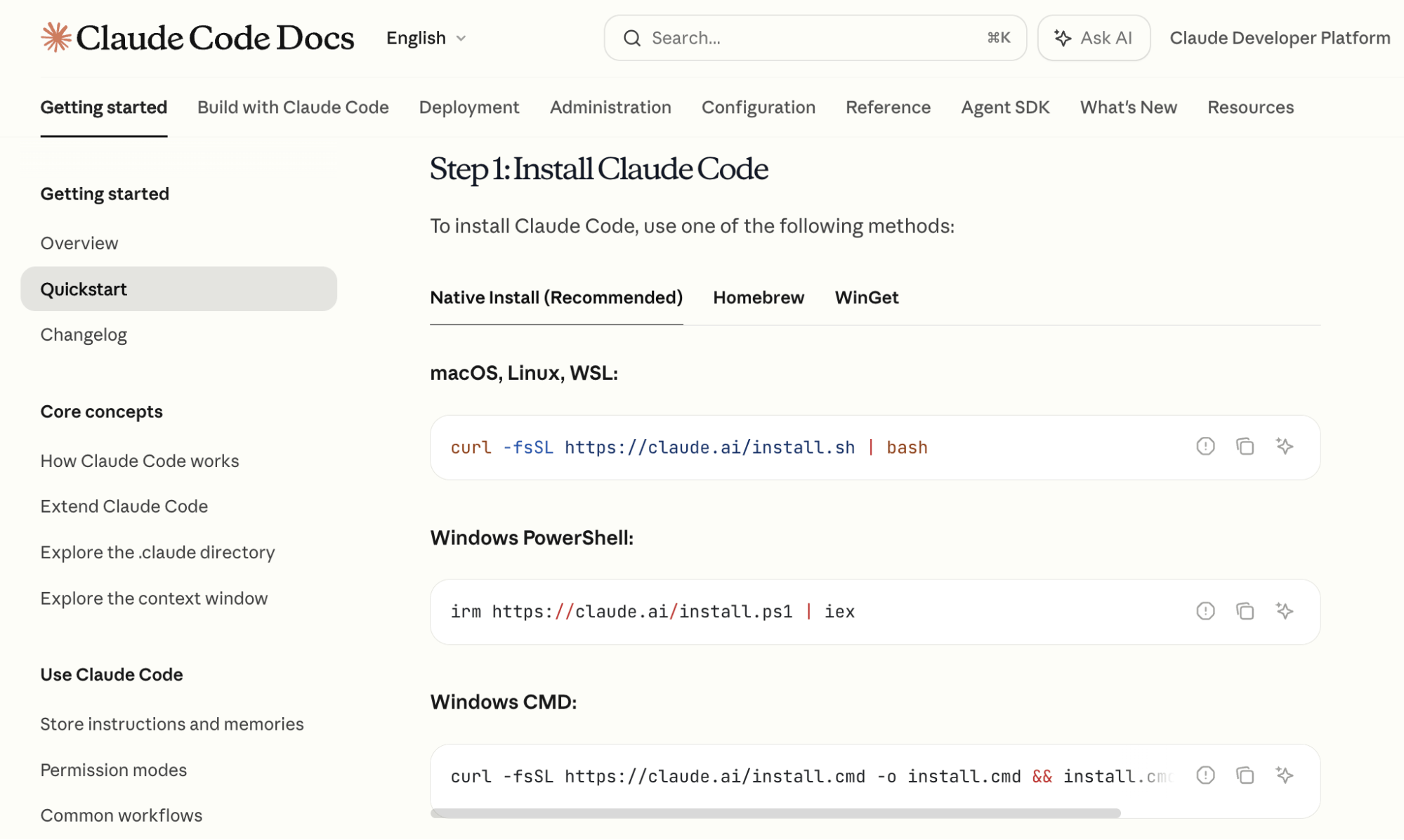
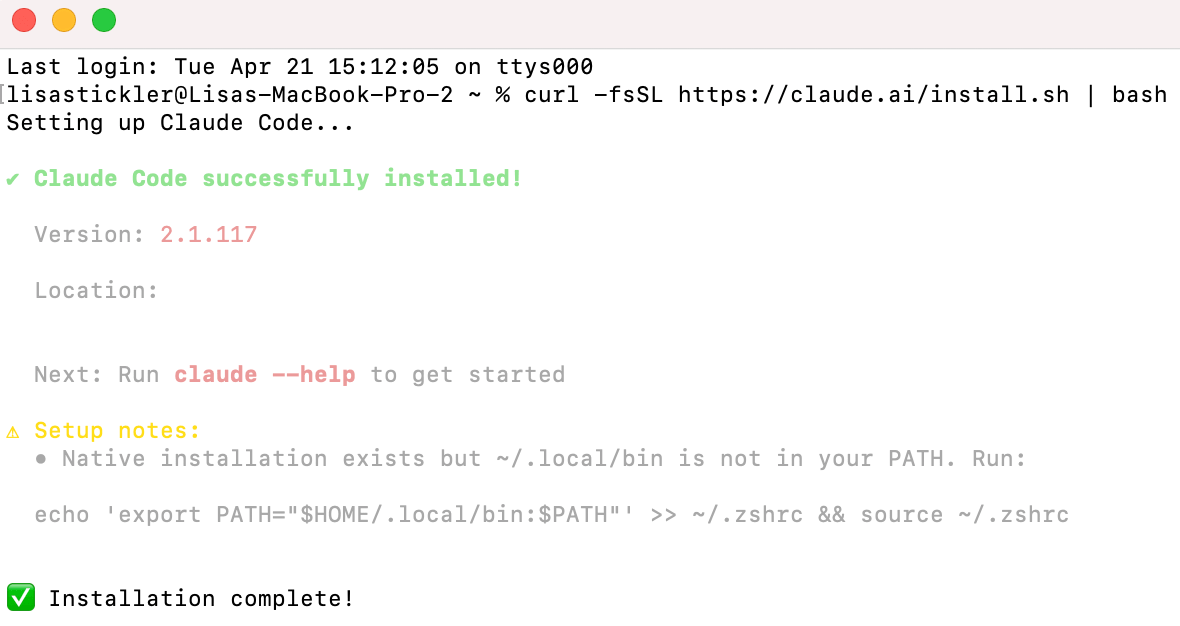
- Installation: Navigate to Anthropic’s official documentation to copy the specific installation command for your OS. Paste this command into your terminal and press enter.
- Authentication: Once the installation finishes, type
claudeinto your terminal. The tool will prompt you to log in. This will open a browser window where you can authenticate using the credentials associated with your paid Claude account. - Verification: Upon successful login, you are inside the Claude Code environment. You are now ready to begin issuing commands.
Strategic Workflow: Optimizing Model Selection
Within the terminal, users interact with the tool using slash commands. A critical command is /model, which allows you to switch between different versions of Claude.
Tyler Reed advocates for a two-stage approach to model selection:
- The Planning Phase (Opus): Start with Claude 3.5 Opus (or the latest reasoning-heavy model). Its superior reasoning capabilities and larger context window make it the ideal architect for outlining the structure of an application or a project roadmap.
- The Implementation Phase (Sonnet): Once the plan is finalized, switch to the latest version of Claude 3.5 Sonnet. Sonnet offers an optimal balance of performance and token efficiency, making it the workhorse for writing the actual code and executing tasks.
Additionally, as projects grow in complexity, the context window—the "short-term memory" of the AI—may fill up. Use the /compact command to summarize the conversation history, allowing you to maintain project continuity without hitting capacity limits or starting from scratch.

Scaling Productivity: Custom Skills and Persistent Memory
For power users, Claude Code offers two features that dramatically accelerate workflow:
Custom Skills
A "Custom Skill" is essentially a macro for your AI agent. If you find yourself performing a repetitive task—such as researching competitor YouTube channels and analyzing their performance—you can teach Claude Code to do it for you. By describing the task and asking Claude to save it as a skill, the AI creates a markdown file. In the future, you can simply invoke the assigned slash command to trigger the entire multi-step process.
CLAUDE.md Files
Project continuity is maintained through the /init command, which generates a CLAUDE.md file. This file acts as a persistent memory bank for your project. It records what has been built, the current objectives, and the state of ongoing tasks. Every time you open a new session in that project folder, Claude Code reads this file, ensuring that the AI "remembers" the context of your previous work without needing a recap.
Case Study: Building a Daily Briefing Automation
To put these tools into practice, consider an automation that connects Google Calendar to Telegram.
Phase 1: Google Calendar Integration
Open your terminal and prompt the AI: "I want access to my Google Calendar. Tell me how to do this." If the technical steps appear daunting, use the prompt, "Explain like I’m five." The agent will guide you through the OAuth authentication process and help you retrieve the necessary API credentials from the Google Developer Console.
Phase 2: Telegram Bot Setup
Type /telegram into the terminal. Claude will lead you through the configuration of a Telegram bot—a specialized account that serves as your communication channel.
Phase 3: Execution
Once connected, issue the command: "Read my Google Calendar and send me a Telegram message every morning with a summary of the next day’s schedule." Claude Code will write the necessary scripts to bridge the two platforms. As long as your terminal session remains active in the background, your custom assistant will deliver your schedule directly to your phone.
Implications for the Future of Work
The rise of Claude Code signifies more than just a new way to write software; it signals the democratization of technical agency. We are moving toward a future where the ability to "build" is determined by creativity and clarity of thought rather than knowledge of Python, C++, or JavaScript.
For entrepreneurs, marketers, and independent creators, this means that the "bottleneck" of development is being removed. Business owners can now iterate on custom tools, internal dashboards, and automated workflows in real-time. As agentic AI continues to evolve, the distinction between a "user" and a "developer" will continue to blur, empowering a new generation of creators to build the digital infrastructure they need to succeed in an increasingly competitive landscape.
By mastering the terminal and learning to communicate effectively with agents like Claude, you aren’t just using a tool—you are learning to orchestrate the software that powers your world.