Apple’s recent Worldwide Developers Conference (WWDC) keynote was framed by industry analysts as the long-awaited "redemption arc" for Siri. While the event was packed with ambitious hardware and software updates, the underlying narrative—a complete overhaul of the Apple ecosystem powered by Google Gemini models—signals a seismic shift for the digital marketing and email communication industries.
For email professionals, this keynote was far more consequential than the previous three combined. While the stage remained silent on the technical jargon of "deliverability," the implications for how information is processed, summarized, and acted upon are profound. As Apple pushes into the realm of "agentic" computing, the inbox is no longer a passive repository for messages; it is becoming an active, intelligent interface that mediates—and sometimes masks—the connection between sender and recipient.
The Core Developments: Apple’s AI-Powered Inbox
At the heart of the iOS 27 announcement is a rebuilt Siri, now possessing system-wide personal context and on-screen awareness. Unlike previous iterations that functioned as a siloed voice assistant, the new Siri acts as an intelligence layer that spans across Mail, Messages, and Photos in real-time.
Key Functionalities
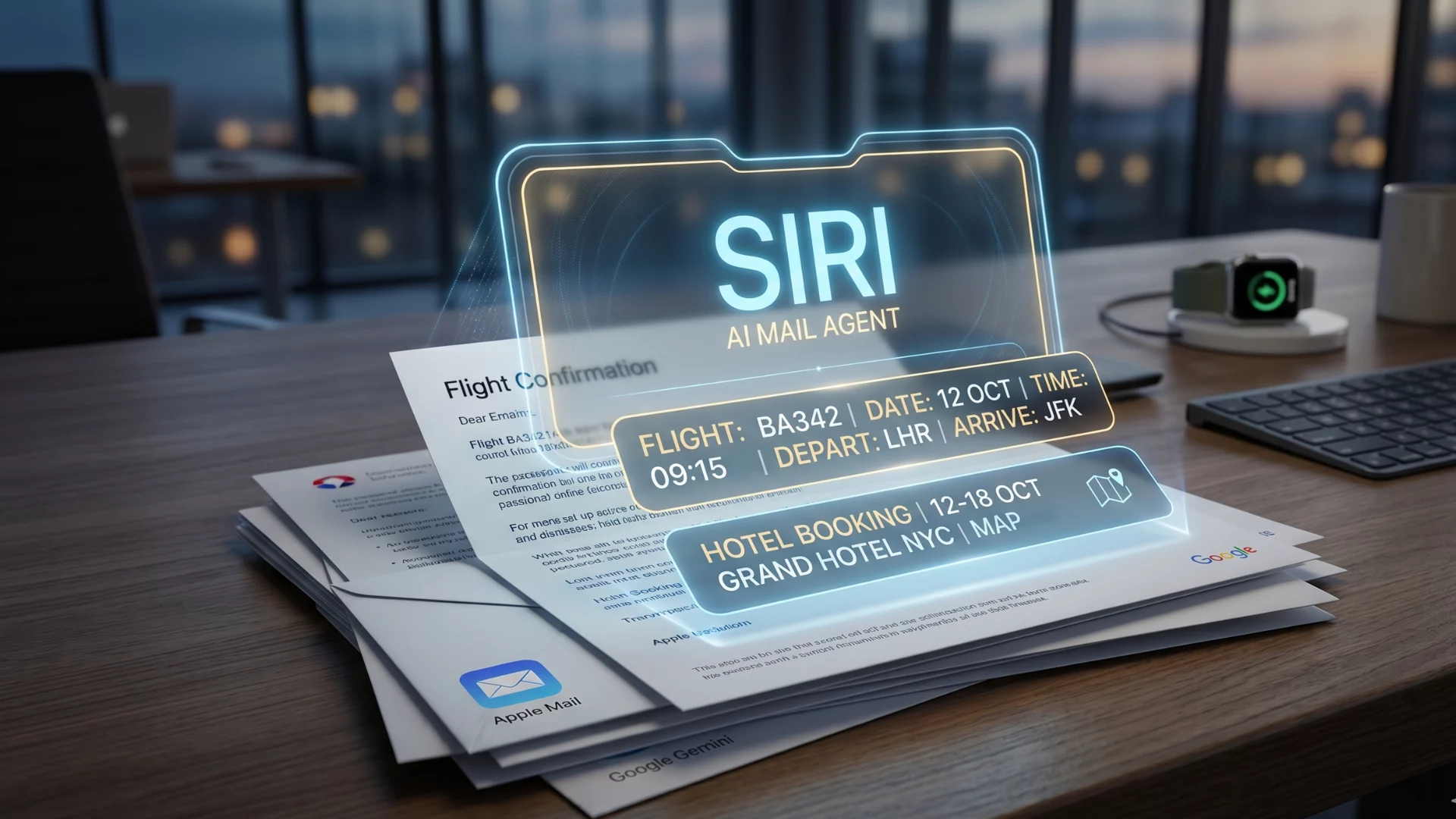
- Agentic Extraction: Mail can now autonomously identify high-value data—such as restaurant reservations, flight details, or appointment times—and convert them directly into calendar entries or reminders.
- Cross-App Contextual Awareness: The Phone app can now pull contextual data from Mail mid-call, allowing a user to reference a reservation or a specific piece of correspondence without leaving the interface.
- Performance Optimization: Apple has overhauled the search foundation for Spotlight, Mail, and Photos. New emails are indexed almost instantly, and the Mail application itself is reported to be up to 80% faster, a cornerstone of the broader performance improvements in iOS 27.
Regional and Hardware Constraints
These advancements come with specific caveats. Crucially, these features are currently limited to Apple’s native applications. Users who prefer third-party clients, such as the Gmail app on iOS, will not see these features reflected in their inbox. Furthermore, due to ongoing regulatory pressures surrounding the Digital Markets Act (DMA) in the European Union, the rollout is staggered. While Mac and Vision Pro users in the EU will receive these features at launch, iPhone and iPad users will face a delay. UK users, however, remain unaffected by this carve-out.
While iOS 27 is slated to support devices as far back as the iPhone 11, Apple has remained ambiguous regarding whether the most resource-heavy AI features will perform optimally on older hardware.
A Chronology of the Shift: From Privacy to Prediction
To understand the gravity of this change, one must look at the trajectory of the Apple inbox over the last half-decade.
- 2021: The Death of the Open Rate. With the introduction of Mail Privacy Protection (MPP), Apple effectively neutralized the open rate as a reliable metric, forcing the industry to pivot toward more robust signals of intent.
- 2024: The Era of Summarization. iOS 18 introduced the "AI summary" layer, which replaced traditional preheaders with machine-generated snapshots of email content. This was the first major step toward placing a filter between the sender and the reader.
- 2026: The Age of Agency. With iOS 27, we have moved beyond mere summarization. The assistant is now capable of performing tasks on behalf of the user, extracting data points, and facilitating actions without the user ever interacting with the original email template.
Supporting Data and Technical Realities
The shift toward an AI-mediated inbox creates a "machine-reads-first" environment. When an AI agent consumes an email to extract a booking time, the email is no longer a static document intended for a human reader; it is a data source for an algorithm.
The Erosion of Engagement Metrics
If your current reporting framework still treats an "Apple Mail open" as a proxy for genuine engagement, you are operating on obsolete data. In the new ecosystem, an assistant can surface a discount code or a delivery window to a user without the email ever being "opened" in the traditional sense. Consequently, the last reliable signal—the render—is effectively vanishing.
The Hallucination Risk
As AI agents take on more agency, the risk of "inbox hallucinations" grows. In February 2026, researchers highlighted instances where email clients misinterpreted flight change notifications, leading to catastrophic scheduling errors for users. As Apple’s models move from passive summarizing to active scheduling, the burden of structural clarity falls squarely on the sender. If an email’s data is buried in a hero image or presented in an ambiguous format, the likelihood of a model "guessing" incorrectly increases, potentially damaging the customer experience.
Official Responses and Industry Outlook
While Apple has not provided a formal response to the specific concerns of email marketers regarding deliverability, the company’s focus remains clear: "Privacy-first intelligence." Apple’s leadership consistently emphasizes that these models run locally or through their "Private Cloud Compute," aiming to balance power with data security.
However, industry experts are taking a cautious approach. The consensus is that the native-app silo provides Apple with unprecedented leverage. By restricting these high-utility AI features to the native Mail app, Apple is incentivizing users to migrate away from third-party alternatives. This further cements Apple’s control over the subscriber experience, effectively turning the Mail app into a proprietary gatekeeper.
Implications for Email Senders: How to Adapt
For the average email marketer or developer, the arrival of iOS 27 does not signal the end of email, but it does mandate a fundamental change in strategy.
1. Optimize for Extraction
The primary goal for transactional and confirmation emails must be "structural clarity." You are no longer writing solely for a human eye; you are writing for an LLM parser.
- Plain Text/HTML: Use clean, standard HTML that is easily parsed.
- Explicit Data: State dates, times, and amounts clearly at the top of the message.
- Avoid "Image-Only" Data: If a key piece of information is trapped inside a graphic file, the AI will likely miss it, and your user will be left without the benefit of the automated extraction.
2. Move Beyond Opens
If you have not already, it is time to retire the "Open Rate" from your primary performance dashboards. Focus on signals that are difficult for an AI to fake:
- Direct Replies: A conversation between the user and the brand.
- Verified Clicks: Engagement on high-intent calls-to-action.
- Conversion Data: The ultimate signal of value that exists outside the inbox environment.
3. Monitor the Beta Cycles
Keynote demos are polished marketing assets. The actual behavior of AI features often fluctuates between the developer beta and the final public release. Marketing teams should monitor the developer betas launching this summer to test how their templates are being interpreted. Does the AI accurately pull your specific booking data? Does it misinterpret your call-to-action? These are questions that can only be answered through rigorous testing in the coming months.
Final Thoughts: The Inbox That Talks Back
The transition to an AI-augmented inbox represents a fundamental change in the power dynamic of digital communication. For years, the sender held the keys to the inbox—through subject lines, preheaders, and design. Today, that power is shifting toward the gatekeeper.
Apple has essentially invited a new, highly efficient, and occasionally unpredictable agent to sit between your brand and your customer. For those who prioritize structure, transparency, and high-value, actionable content, this is an opportunity to streamline the user journey. For those relying on trickery, vague subject lines, or design-heavy obfuscation, the new inbox will be a much harsher environment.
The message is clear: The inbox has a new gatekeeper, and this one doesn’t just filter—it acts. Prepare your data accordingly.