For many marketers, the promise of generative AI feels like a high-stakes magic trick. We see polished, cinematic commercials in tool launch videos and wonder: Why do my own outputs look flat, inconsistent, and amateurish?
According to AI educator and content creator Jerrod Lew, the gap between "demo-perfect" and "flat" isn’t a matter of luck—it’s a matter of process. In an era where AI tools are becoming industry-standard, the most common pitfall for marketers is the "single-button fallacy"—the belief that a simple text prompt is enough to generate a campaign-ready asset.
In reality, professional-grade AI content requires the same foundational rigor as traditional filmmaking. By shifting from ad-hoc experimentation to a structured, systems-based approach, marketers can finally bridge the gap between initial concept and professional delivery.
The Reality of AI Creative: Moving Beyond the "Single-Button" Myth
The biggest misconception in the current AI landscape is that the tools themselves are the "creatives." As Jerrod Lew emphasizes, AI tools are essentially sophisticated digital instruments—akin to high-end software like Adobe Premiere Pro or After Effects. Just as a professional editor needs a storyboard and a vision to cut a film, an AI user needs a creative framework to generate meaningful output.
The Human-Centric Workflow
The human element is the non-negotiable anchor of any successful AI workflow. Before opening a single browser tab, the creator must define the story, the target audience, and the desired business outcome. AI excels at execution, but it lacks the strategic foresight to understand brand voice or emotional resonance. When a marketer starts with a clear, documented vision, the AI becomes a force multiplier rather than a chaotic generator.
The Current AI Toolkit: A Strategic Overview
For marketers looking to build a robust stack, understanding the strengths of current models is critical. Jerrod Lew’s current recommendations highlight a shift toward multimodal efficiency.
1. The Video Generation Vanguard
- Google Omni Flash: Touted as the video-equivalent of the powerful Imagen 2, Omni Flash is a game-changer for editing. It accepts scripts, text, and existing footage, allowing users to make surgical edits—such as removing background elements or shifting visual styles—without regenerating the entire clip.
- Seedance 2.0: Currently ranked as the top-tier video model by many experts, Seedance 2.0 distinguishes itself by accepting music and audio as inputs alongside visuals. It generates synchronized audio, dialogue, and background sound, making its outputs significantly closer to "production-ready" than silent counterparts.
- Kling 3.0: This model is setting the gold standard for character consistency. It is currently one of the few platforms capable of generating realistic video of specific human subjects from reference photos, supporting high-fidelity 1080p and 4K exports.
2. The Image Generation Powerhouses
- ChatGPT Images 2.0 vs. Imagen 2: While both are formidable, ChatGPT Images 2.0 has emerged as the preferred tool for daily marketing tasks due to its superior text-rendering capabilities. For creating storyboards, YouTube thumbnails, and annotated character sheets, its ability to render coherent text makes it an indispensable asset.
Infrastructure: The Power of Aggregation
One of the most frequent questions clients ask is: "Which single subscription should I buy?" The answer, according to industry leaders, is that you shouldn’t lock your capital into a single tool.
The Role of AI Aggregators
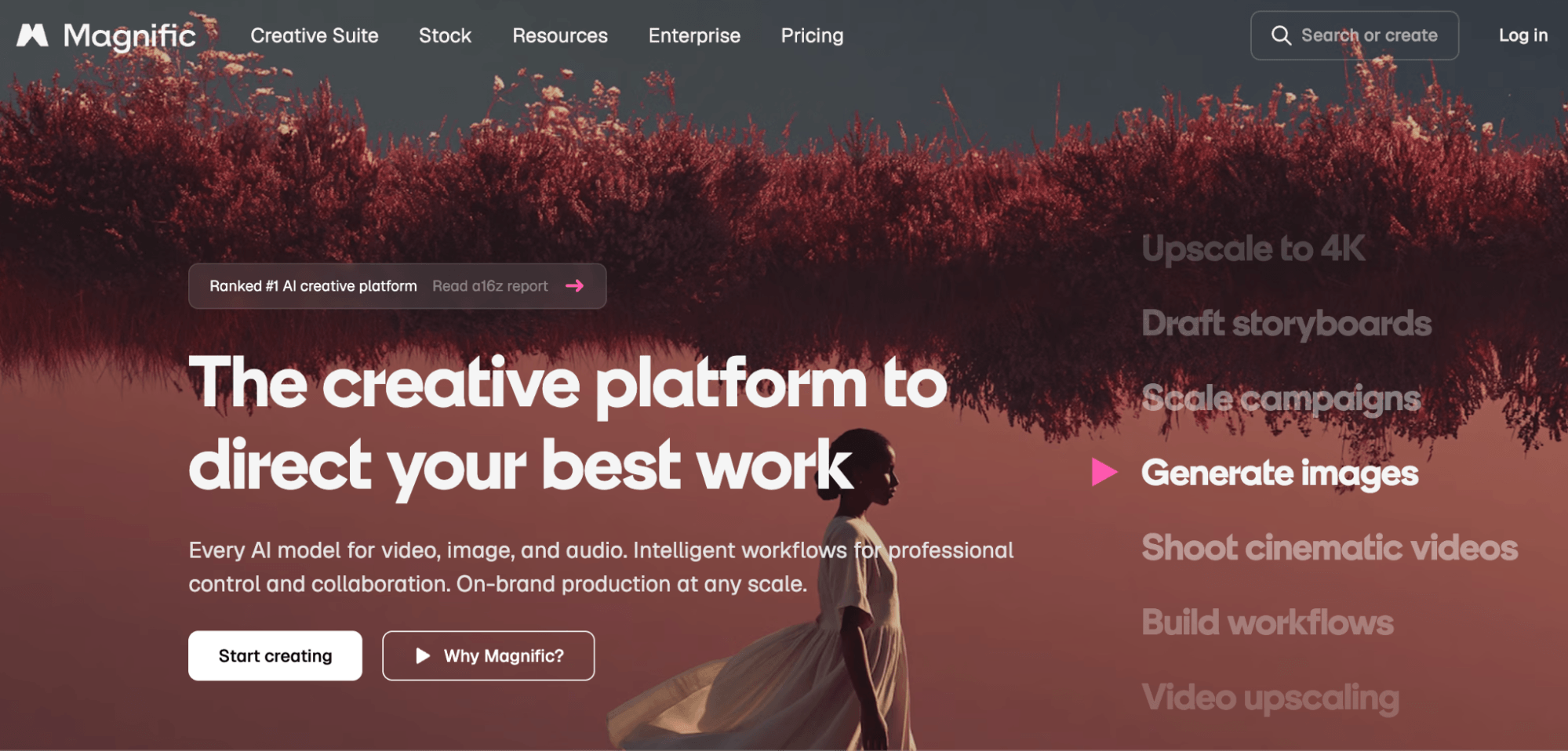
Platforms like Magnific are transforming the landscape by acting as hubs for multiple AI models. By aggregating API access to dozens of image and video generators under one roof, these platforms allow marketers to maintain a lean subscription model.

The true power of an aggregator, however, lies in its node-based canvas environments. Unlike simple chat interfaces, these canvases allow users to build automated visual pipelines. For example, a user can create a system that takes a raw product photo, runs it through an image generator for background adjustment, passes it through an upscaler, and applies a brand-consistent filter—all in a single automated sequence.
Establishing the Brand Foundation
Before you generate a single asset, you must have a "Source of Truth." AI-generated content often looks "random" because it lacks a unified style.
Tools like CoreDesigner have become essential for establishing this foundation. These systems ingest existing brand assets—logos, website screenshots, and color palettes—to build a comprehensive style guide. This ensures that every subsequent AI generation adheres to the same visual DNA, preventing the "drift" that often makes AI campaigns look disconnected.
The "Reference-First" Methodology: A Step-by-Step Guide
To achieve high-quality results, you must front-load the work. The most successful workflows rely on two types of reference assets: Product References and Character References.
Creating Product Reference Assets
You don’t need a professional studio to create product references. The model only needs to understand the product’s geometry.
- Composite Sheets: Feed the model multiple angles of your product (front, side, top) along with clear descriptive text.
- The "Style Sheet" Anchor: Once the model generates a composite sheet, use this sheet as the primary reference for all future generations within that session. This ensures that when you ask for "the product on a beach" or "the product in a lab," the model consistently pulls from the correct structural data.
Mastering Human Likeness
Human faces are the most difficult element for AI to replicate consistently. To avoid the "uncanny valley" or distorted expressions:
- The Multi-Angle Library: Collect high-quality photos of your subject from all angles.
- The Expression Grid: Explicitly provide images of specific expressions (smiling, shocked, curious). If you don’t provide a reference for "shocked," the AI will hallucinate the anatomy, often leading to unnatural results.
- The Character Sheet: Similar to the product sheet, create a single master document containing these angles and expressions. Uploading this as a reference point in every session creates a consistent "digital twin" of the subject.
From Storyboard to Screen: The Video Workflow
A common mistake is jumping straight to video generation. This is a waste of time and computational credits.
The "Image-First" Rule
Video generation is resource-intensive. Instead, treat image generation as your storyboarding phase.
- Refine in Stills: Use your character sheet to generate 50-100 still images of the scenes you intend to shoot.
- Validate the Vision: Check for pacing, composition, and brand alignment. If the image doesn’t work, discard it.
- Prompt for Motion: Only after you have a perfect "key frame" image do you move to video generation. Because the video model now has a precise visual starting point, the text prompt can be kept short and focused strictly on camera movement and action (e.g., "The camera pans left as the character turns to smile").
Implications for Marketing Teams
The democratization of high-end visual production via AI does not replace the creative director; it forces them to become a "curator of systems."
1. Efficiency at Scale: By moving to a node-based, reference-heavy workflow, marketing teams can produce content at a pace that was previously impossible. A single brand manager can now manage the output of what would have once been a five-person production crew.
2. The Shift to "Prompt Engineering" as "Directing": The future of marketing isn’t just knowing how to write a prompt; it’s knowing how to build a repeatable pipeline. The brands that win will be those that build the best "brand repositories"—the cleanest sets of reference assets, the most cohesive style guides, and the most reliable node-based workflows.
3. The Professionalization of AI: As the technology matures, the "wow factor" of AI-generated content will fade. What will remain is the quality of the narrative. The marketers who treat AI as a technical production tool—one that requires clear vision, consistent references, and iterative testing—will find that AI is not just a trend, but a fundamental shift in how they connect with their audience.
Summary of Best Practices
- Don’t rely on one-click solutions: Always provide the model with a clear visual reference.
- Build a system, not a folder: Use node-based tools to connect your generation steps.
- Storyboard in 2D: Never jump to video until your still-image storyboard is perfect.
- Document your brand: If you don’t define your visual identity, the AI will invent one for you—and it will likely be generic.
By adopting these rigorous, professional standards, marketers can move past the limitations of basic AI tools and begin producing content that isn’t just "AI-generated," but strategically designed, brand-aligned, and visually compelling.