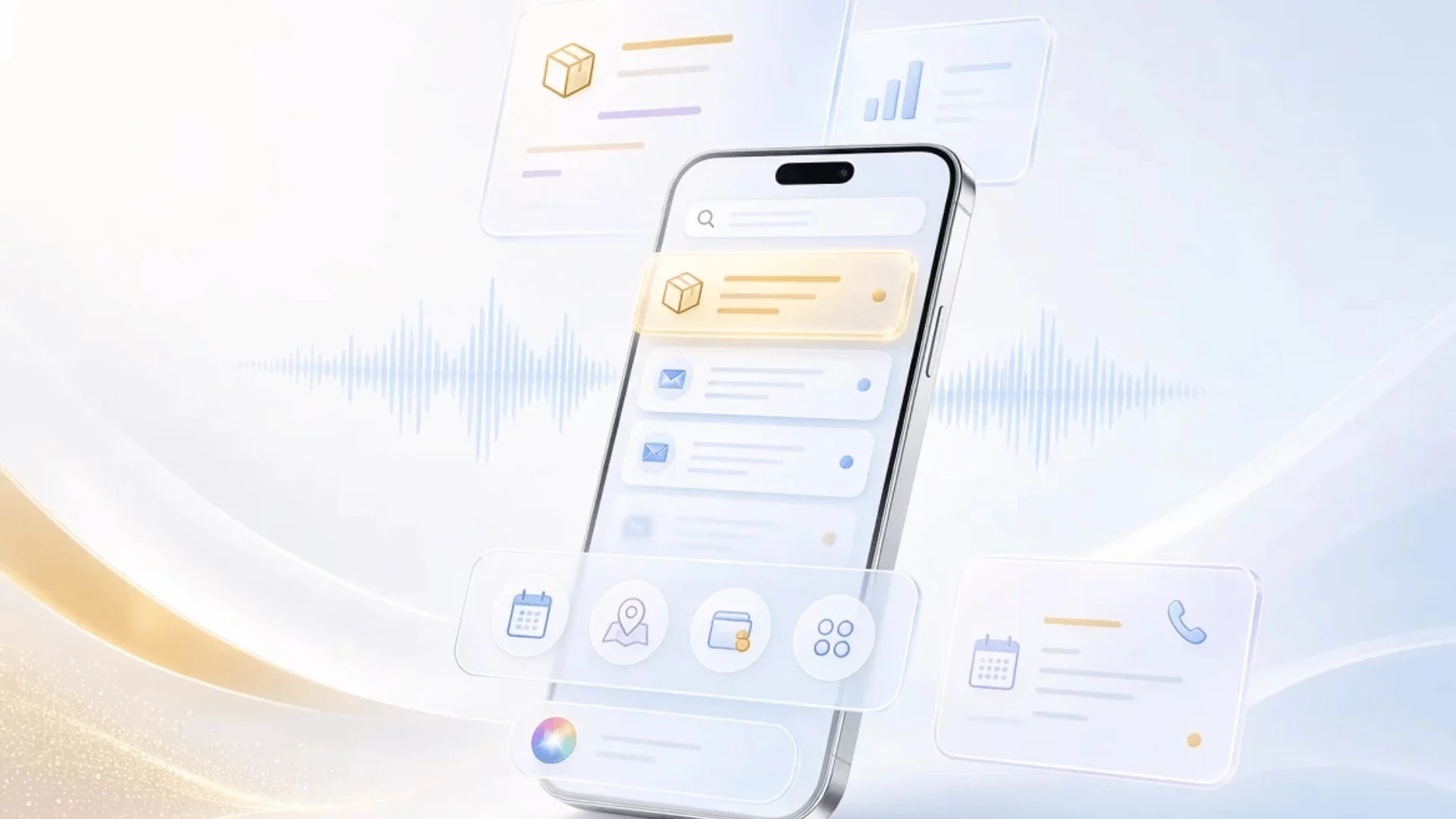
Apple’s rollout of iOS 27 on September 14 has sent ripples through the digital marketing and email development communities. While pre-release speculation centered heavily on whether Apple would finally overhaul rendering engines, introduce widespread BIMI logo support, or iron out the inevitable bugs that plague a major .0 operating system release, the reality of the update has taken a different shape.
According to industry analysts and initial post-launch observations, the foundational rendering mechanics of Apple Mail remain largely untouched. However, the ways in which users search, sort, and interact with their inboxes have evolved dramatically. For email marketers, CRM managers, and developers, iOS 27 introduces a complex mix of algorithmic search changes, AI-powered inbox management tools, and new user-behavior patterns that demand immediate strategy adjustments.
Below is an in-depth, professional journalistic analysis of the iOS 27 Apple Mail updates, structured across the core facts, chronological rollout details, supporting data, official and industry responses, and the profound long-term implications for the email ecosystem.
1. Main Facts: What Actually Changed in Apple Mail
While rumors circulated prior to September 14 regarding radical changes to HTML rendering engines and advanced security protocols, the actual deployment of iOS 27 focused primarily on user experience, search intelligence, and AI-assisted triage.
The Shift to Relevance-Based Search
The single most impactful update in iOS 27 is a complete overhaul of the Apple Mail search ranking system. Historically, searching within Apple Mail yielded results based primarily on recency—newer emails pushed older ones down, regardless of user intent.
Under the new ranking algorithm, Apple prioritizes relevance over chronology. Deeply buried emails can now surface at the top of a search results page if the algorithm determines they best match the user’s query. Crucially, this favors transactional and utility-based emails over promotional blasts. For example, a search for a specific retailer’s name will now surface a recent shipping confirmation, receipt, or order update above that same retailer’s ongoing promotional marketing campaigns.
AI-Driven Bulk-Deletion via Siri
For senders, one of the most concerning features introduced in iOS 27 is the integration of deeper Siri-assisted inbox management. Users can now command Siri to bulk-delete every message associated with a specific sender address.
This introduces a third distinct exit path for unwanted mail, sitting alongside the traditional "Unsubscribe" link and the "Report as Junk" button. However, unlike a spam complaint or an unsubscribe request, this action operates entirely on the client side. As far as email service providers (ESPs) and sending infrastructure can tell, no signal is sent back to the sender. A subscriber who purges a brand via Siri remains quietly on the mailing list, never registers a formal complaint, and simply stops interacting entirely.
Automated Message Parsing and Contextual Actions
Apple Mail in iOS 27 reads messages more deeply than ever before. Suggested actions at the top of emails now extend to third-party applications, sitting alongside existing integrations for Calendar, Maps, and Apple Wallet.
Furthermore, long-pressing an email activates an "Ask Siri" summary option. Perhaps most notably for customer service and logistics, a new feature called "Call Context" automatically surfaces relevant data—such as an active order or reservation reference—directly within the Phone app when a user calls a business.
What Remained Unchanged
Despite considerable speculation leading up to the September release, several key features were left untouched:
- Mail Privacy Protection (MPP): MPP remains fully intact, preserving anonymized open tracking metrics.
- Inbox Categories: Apple did not introduce the sweeping, Gmail-style automated inbox categorization that many marketers anticipated.
- Rendering and BIMI: As of four days post-launch, community tests show no indication of alterations to HTML/CSS rendering engines or native BIMI logo support.
2. Chronology: The Timeline of iOS 27 Mail Developments
To understand how the email ecosystem arrived at the current state of iOS 27, it is helpful to trace the timeline of leaks, expert forecasts, and release milestones.
July: Early Industry Warnings and Speculation
- Early July 2026: Outlets like 9To5Mac began publishing deep dives into early developer beta builds, revealing the outline of Siri’s new bulk-deletion capabilities and AI-driven summary features.
- Mid-July 2026: Enterprise email platforms such as Movable Ink published comprehensive outlooks warning marketers that rumors of a Gmail-style categorized inbox were likely overblown, though advising clients to prepare for shifts in user engagement patterns.
August: Pre-Launch Audits and Technical Anticipation
- Late August 2026: Email deliverability expert Al Iverson published a widely cited analysis framing the critical questions for the upcoming iOS release: Would Apple fix long-standing rendering bugs? Would BIMI support expand? How would the
.0stability hold up? Developers began preparing fallback templates and staging device testing labs.
September: The Launch and Immediate Aftermath
- September 14, 2026: Apple officially releases iOS 27 to the public, pushing the update globally to compatible iPhone models.
- September 14–18, 2026: Early post-launch audits by independent developers confirm that while rendering engines and BIMI protocols remain stable, the new relevance-based search and Siri bulk-deletion tools are fully operational in the wild. Industry forums buzz with discussions regarding the hidden dangers of "silent churn" caused by Siri deletions and the resurrection of dead links via algorithmic search.
3. Supporting Data and Technical Nuances
Implementing an effective strategy under iOS 27 requires an understanding of how Apple’s hardware and regional limitations fragment the user base. Not every iPhone user running iOS 27 experiences the same feature set.
Hardware and Regional Gating
The feature set of iOS 27 is severely constrained by hardware requirements and regulatory boundaries:
- The Universal Feature: The new relevance-based search algorithm is universal. Every single iPhone running iOS 27 receives this update, regardless of device age, regional location, or hardware capabilities. It requires no Apple Intelligence chipsets.
- The AI-Gated Features: Features such as Ask Siri summaries and bulk-sender deletion require an Apple Intelligence-compatible device. Users with older iPhone hardware miss out entirely.
- The Regulatory Firewall: In major markets like the European Union and China, Siri AI features are unavailable at launch due to local regulatory frameworks and compliance hurdles. Similarly, several Contextual Suggestion features are restricted to English-language emails at launch.
The Technical Need for Live Text
Because Apple Mail relies heavily on parsing message content to power Call Context, calendar syncs, and smart summaries, developers must pay closer attention to how data is formatted within the email body.
While Apple’s optical character recognition (OCR) can parse text embedded within images, it remains slower and less reliable than standard HTML text. To ensure that order numbers, tracking IDs, dates, and reservation codes are instantly parsed by Apple’s backend, brands must ensure critical data resides in live HTML text rather than rasterized or vector image files.
4. Official Responses and Industry Reactions
Reactions from the email marketing, deliverability, and development communities have been swift, focusing heavily on data hygiene, template maintenance, and the psychological impact of AI inbox management.
Deliverability and Analytics Experts
Deliverability consultants have highlighted the hidden risks of Siri’s bulk-deletion tool. For years, email marketers have relied on clear signals—hard bounces, spam complaints, and direct unsubscribes—to clean their lists and maintain sender reputation.
With Siri enabling users to purge a sender silently, engagement metrics run the risk of becoming artificially distorted. An inactive subscriber who is actually a "corpse" on the list—silently deleted via voice command without triggering an unsubscription—will continue to skew open and click-through rate denominators, frustrating campaign performance analysis.
Campaign Strategists and Content Teams
Content and CRM strategists are adjusting to the reality of relevance-based search. As MacRumors pointed out in their technical guides, the paradigm of "last-touch wins" is fading. Because old, highly relevant transactional or utility emails can now float to the top of a user’s search query weeks after delivery, the lifecycle of an email has effectively extended.
This has raised immediate concerns regarding expired promotional content. If a customer searches for a brand weeks after a flash sale has concluded, and that search surfaces an old promotional email containing a dead link or an expired discount code, the resulting customer friction shifts from a minor technical annoyance to a direct brand trust issue.
5. Strategic Implications: What Email Marketers Must Do Now
As the digital ecosystem adapts to iOS 27, marketing teams must pivot their operational frameworks to address these new realities. Here are the core imperatives moving forward:
1. Shift from Temporal to Contextual Optimization
Marketers must accept that recency no longer guarantees visibility in search. Optimization should focus on clear, structured subject lines and robust metadata that help Apple’s relevance engine correctly classify transactional, confirmation, and high-value update emails. Keeping transactional data distinct from promotional noise is critical to winning the search ranking battle.
2. Guard Against the "Corpse" Metric Phenomenon
Because Siri-based bulk deletion leaves no compliance footprint, list hygiene protocols must become more proactive. Implement stricter engagement window policies (e.g., sunsetting non-responders sooner) to purge inactive addresses before AI-driven tools render your engagement metrics completely unreliable.
3. Maintain Landing Page Longevity
With search resurrecting older emails long after they leave the primary inbox view, every link embedded in promotional and transactional templates must be audited for longevity. Ensure that landing pages, discount codes, and product inventory pages remain active, or set up intelligent redirect loops that guide searching customers to active, relevant alternatives rather than a standard 404 error page.
4. Code for Instant Parsing
Developers must abandon the practice of hiding essential data—such as appointment times, tracking numbers, and account updates—inside image blocks. Ensuring that all critical text is coded as live HTML guarantees that Apple Mail’s parsing engine can instantly extract the data required for Call Context and smart widgets, improving the user experience and keeping your brand integrated with native iOS utilities.
5. Tailor Strategies by Region
For brands operating internationally, remember that EU and Chinese audiences will experience a bifurcated rollout. These users will benefit immediately from the new relevance-based search algorithms, but will not have access to Siri AI bulk-deletion or AI summaries at launch. Segment your strategic planning accordingly, keeping local regulatory constraints in mind as Apple continues its dialogue with global antitrust and privacy regulators.