For the millions of users who navigate the WordPress dashboard daily, the interface is a well-lit path of familiar menus: Posts, Pages, Plugins, and Settings. It is designed to be intuitive, abstracting away the complex database queries that power the world’s most popular content management system. However, beneath the polished veneer of the GUI lies a "secret" administrative corridor that most users—even seasoned developers—never encounter.
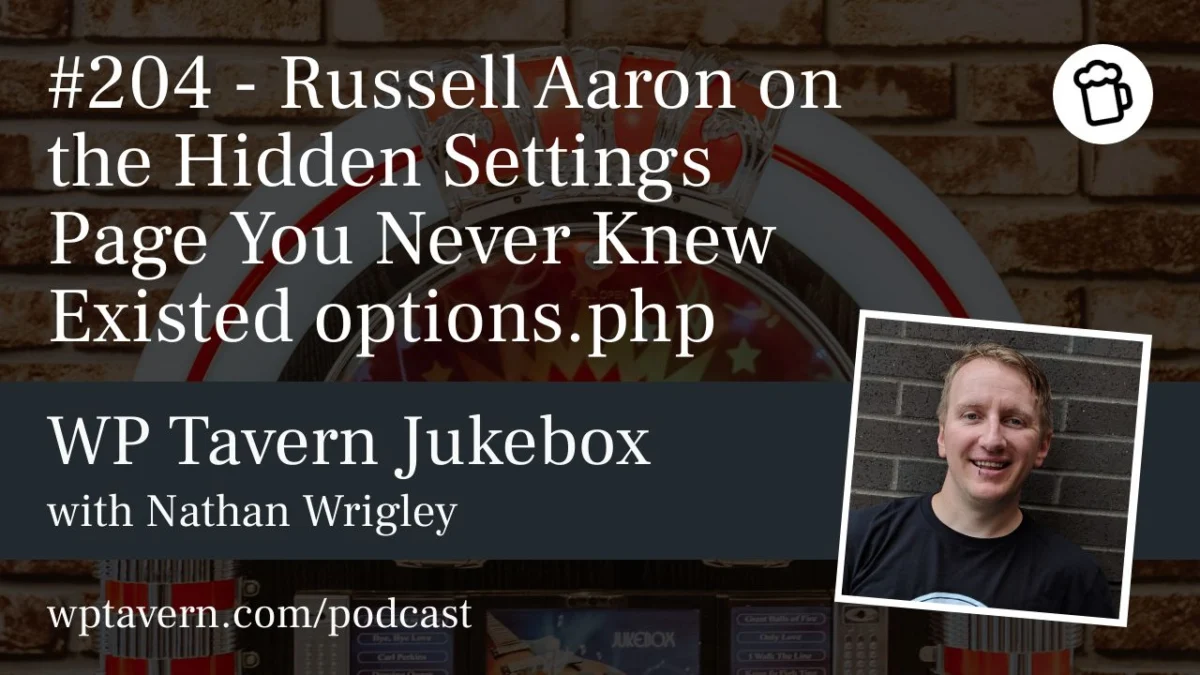
In a recent episode of the WP Tavern Jukebox podcast, host Nathan Wrigley sat down with veteran WordPress developer and support expert Russell Aaron to pull back the curtain on options.php. This hidden page, accessible only by appending the string to your site’s admin URL, acts as a raw, unfiltered gateway to the entire WordPress options table. While it is a powerful tool for those in the know, it serves as a stark reminder of the "wild west" origins of the platform and the inherent risks of administrative overreach.
The Discovery of the Hidden Table
To access this internal tool, an administrator simply needs to navigate to yourdomain.com/wp-admin/options.php. Upon arrival, the user is greeted not by a friendly wizard or a configuration menu, but by an austere, two-column list. On the left: the raw database key. On the right: the corresponding value.
It is, quite literally, a direct, editable representation of the wp_options database table, presented in a standard HTML form. There are no tooltips to guide the user, no documentation explaining what a specific key does, and, most importantly, no safeguards against catastrophic user error.
Russell Aaron, who has been working with WordPress since 2004, describes the page as a legacy feature that has persisted through decades of development. "I imagine that when WordPress first got started, it was always user-forward," Aaron explained. "They wanted to show you what was on the page or what was in the post. This page effectively spits out the entire options table onto one view."
A Chronology of Persistence
The exact origin of options.php is difficult to pinpoint, but both Aaron and long-term observers of the platform believe it has existed in some form since the very early days of the software, potentially dating back to version 2.0 or earlier.
In the early 2000s, WordPress was a far simpler tool. The "five-minute install" was the gold standard, and the administrative interface was utilitarian. As the platform matured, developers added robust APIs, custom post types, and complex settings pages. Yet, the options.php file remained. It functions as a relic of a time when the gap between the user interface and the underlying SQL database was much narrower.
For modern developers, the persistence of this page is a subject of both fascination and caution. While it is not actively "advertised" in the WordPress documentation or the standard navigation menu, it has not been deprecated. It exists in a state of suspended animation, serving as a reminder that the WordPress database is, at its core, a collection of key-value pairs.
The Utility vs. The Hazard: Why Use It?
The primary argument for the existence of options.php is developer efficiency. For those building plugins or managing complex site migrations, options.php provides a quick way to verify that data is being stored, retrieved, or deleted correctly.
"I use that page to check if my plugin is doing its job," Aaron noted during the podcast. "When you deactivate a plugin, you want your uninstall.php file to remove the options it created. If I go to options.php and I still see the key, I know my cleanup script failed."
This is the "power user" use case: a lightweight alternative to firing up phpMyAdmin or running terminal commands to query a database. It offers a more readable, formatted experience than the standard, cramped interface of most SQL management tools. However, this convenience comes with a steep price tag: the risk of site-breaking errors.
The Dangers of "Borking" the Site
The options.php page is essentially the largest form in WordPress. Because almost every field is editable, a user can inadvertently change a crucial site URL, alter an email address that locks them out of admin recovery, or delete a serialized array that the site needs to function.
"I’ve gone in there and thought, ‘Oh, I’ll just change this value,’" Aaron admitted. "And it’s very finicky. If you forget a comma or a period, or mess up a serialized string, it’s going to blow up the site. It’s the same thing as editing your database directly—if you make a mistake, you’re in trouble."
Implications for Security and Site Management
The existence of an unshielded, editable database view raises natural questions about security. If an attacker gains administrative access to a WordPress site, options.php serves as a goldmine for malicious configuration changes.
However, the consensus among security professionals and the WordPress community is that options.php is not a primary vector for attacks. Because the page is protected by the manage_options capability, only users with administrative privileges can access it. By the time an attacker has reached the point of having administrative access, they have already compromised the site in a way that makes the options.php page a secondary concern compared to the ability to upload malicious themes or plugins.
Despite this, the lack of discoverability acts as a "security through obscurity" mechanism. It is not listed in the sidebar, and it is rarely documented in official tutorials for beginners. This keeps the page out of the hands of casual users who might otherwise accidentally ruin their site configuration.
A Lesson in WordPress Transparency
The options.php page serves as a philosophical case study in the evolution of WordPress. It represents the tension between the platform’s "easy for everyone" mission and its "under the hood" power.
As WordPress moves toward a block-based, full-site editing future, many of the manual configurations that once required options.php are now handled by sophisticated settings menus and JSON-based configuration files. Yet, the underlying database structure—the wp_options table—remains the beating heart of every site.
The fact that this page is still accessible in the latest versions of WordPress reflects the platform’s commitment to backward compatibility. It is a tool that, while dangerous, provides an honest look at what your site is actually doing.
Final Thoughts for the Curious
For those who have never visited options.php, the experience can be eye-opening. You will see keys you recognize, such as admin_email or siteurl, and thousands of entries from plugins you may have deleted years ago. You will see the "bloat" that can accumulate in a database over time.
However, the advice from the experts remains unchanged: look, but do not touch.
"I’m going to encourage people to go and have a little poke around," said Nathan Wrigley. "But I’m also not going to encourage you to fiddle with anything. Just leave every single field exactly as you saw it."
Ultimately, options.php is a testament to the fact that even after a decade of professional use, there are always layers of WordPress left to discover. It is a reminder that while the interface may change, the core database remains the engine of the ecosystem—and sometimes, it’s worth taking a peek under the hood to see how the gears turn.
Key Takeaways for Administrators
- Access: The page is located at
yoursite.com/wp-admin/options.php. - Permissions: It requires
manage_optionscapability (Administrator). - Purpose: It is a diagnostic tool for developers to inspect or manually edit site options.
- Risk: Extremely high. Incorrect changes can lead to total site failure, broken serialization, or loss of access.
- Best Practice: Use it only for viewing or debugging; never treat it as a primary configuration menu. Always ensure you have a current database backup before making any changes.