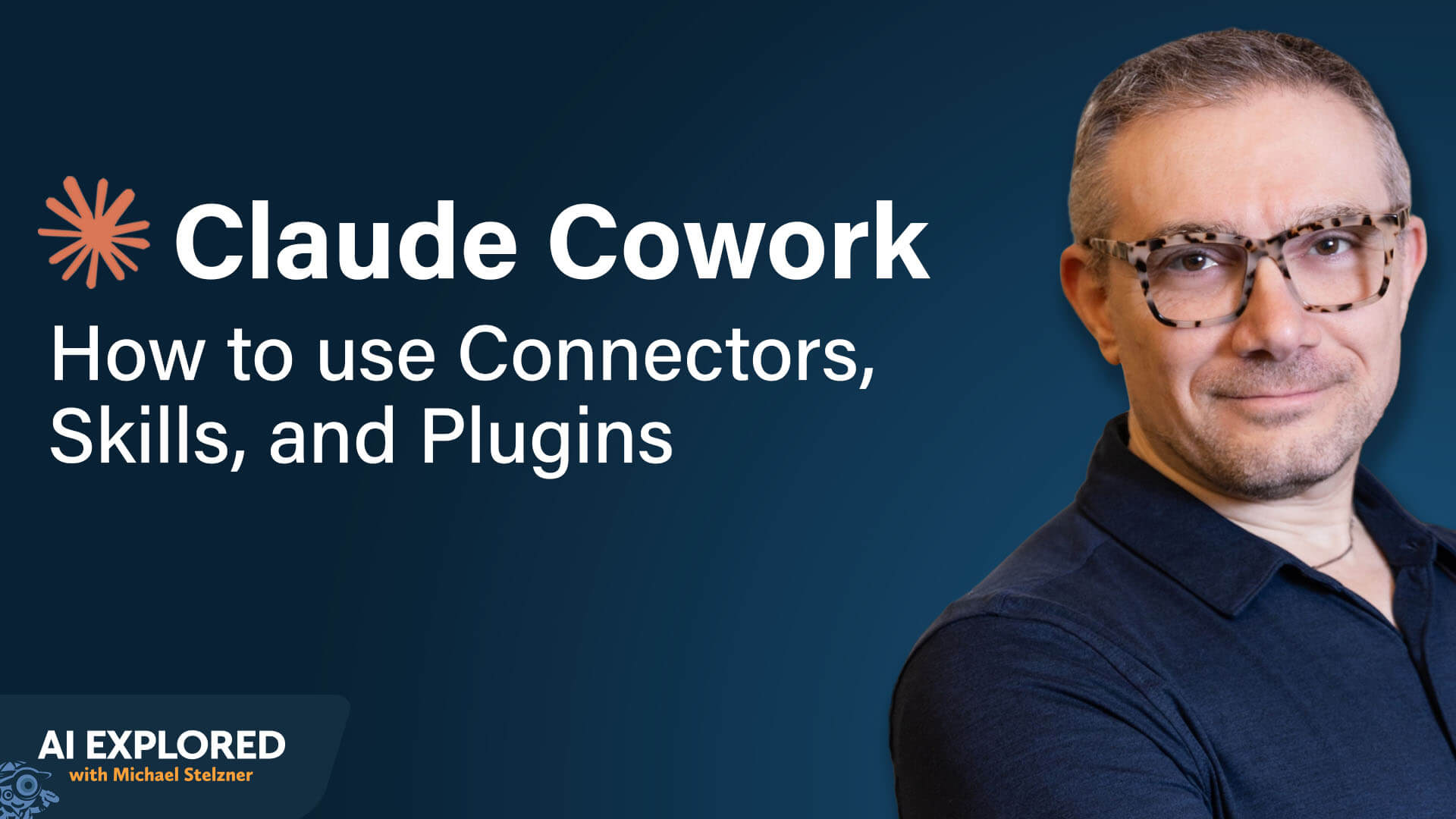
The era of merely "chatting" with artificial intelligence is drawing to a close. For professionals, the promise of generative AI has long been hampered by the friction of manual prompt-engineering, context-window limitations, and the tedious need to micromanage every interaction. Anthropic’s answer to this productivity bottleneck arrived in January 2025 with the launch of Claude Cowork, an agentic desktop application that shifts the paradigm from AI-as-chatbot to AI-as-autonomous-coworker.
In this deep dive, we explore how Claude Cowork transforms your digital workspace, enabling users to move beyond simple queries into the realm of complex, multi-step, and automated workflows.
The Core Concept: From Chatbot to Digital Agent
Claude Cowork represents a fundamental shift in how we interact with LLMs. While traditional interfaces require a constant back-and-forth dialogue—essentially treating the AI like an intern that needs constant oversight—Cowork functions as a seasoned, independent operator.
As AI strategist Dan Nestle notes, the difference is one of professional maturity: a standard Claude Project acts like a bright new hire who constantly stands at your desk seeking validation for every minor decision. In contrast, Cowork is the experienced employee who accepts a high-level brief, executes the task independently, and only interrupts your focus when a critical decision requires human judgment.

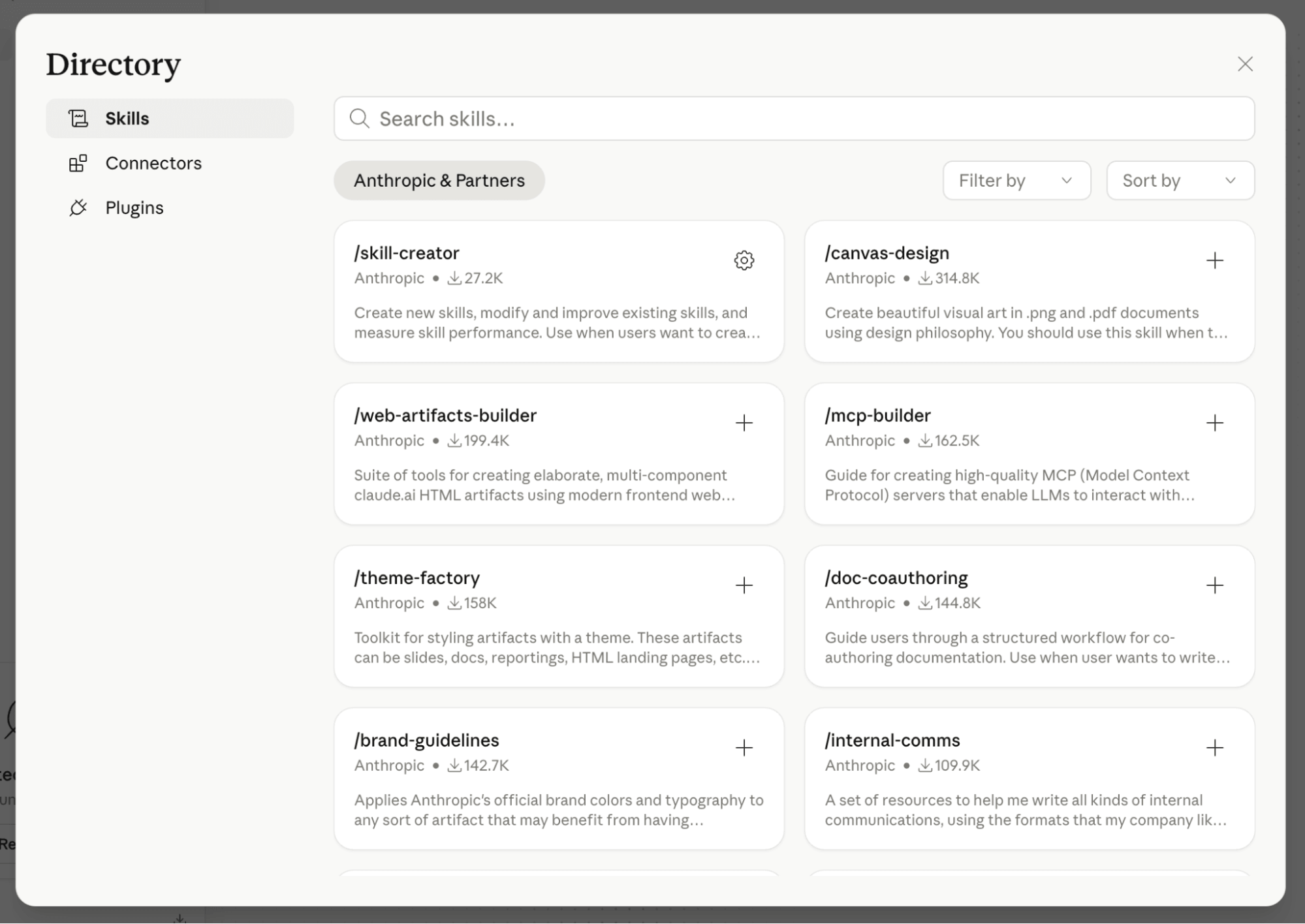
By integrating Projects, Connectors, and Skills, the application coordinates your digital ecosystem, effectively turning your computer into an agentic powerhouse.
Chronology of Adoption: How Cowork Operates
To understand the power of Cowork, one must look at how it navigates tasks that once required significant manual intervention. The application’s workflow follows a clear, logical progression:
1. Initial Setup and Access
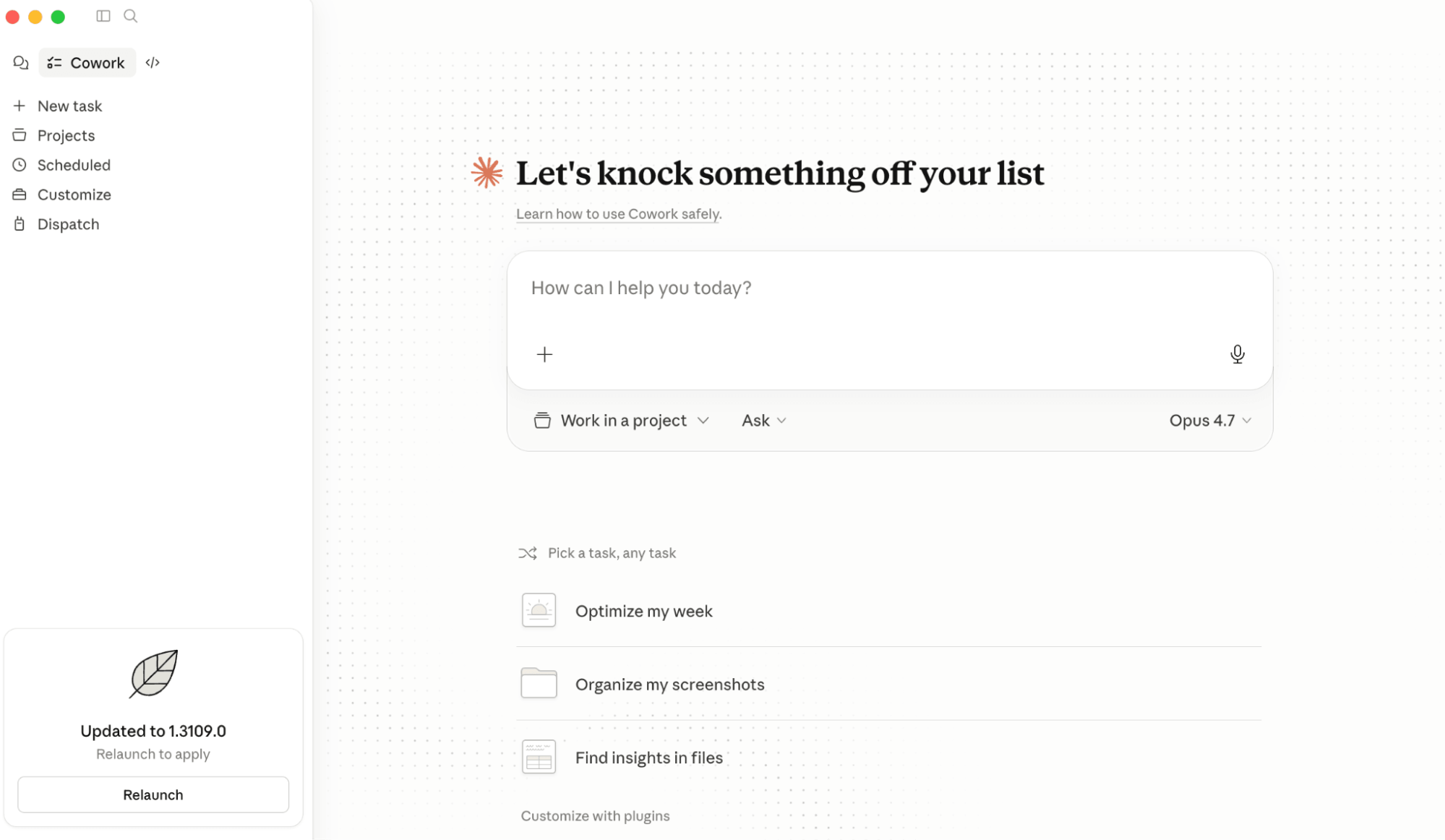
Cowork is not a web-based tool; it is a dedicated desktop application available for Mac and PC users with paid Claude accounts. Once installed, it bridges the gap between the cloud-based intelligence of Claude and the local files, browser instances, and software suites on your machine.
2. Project Integration
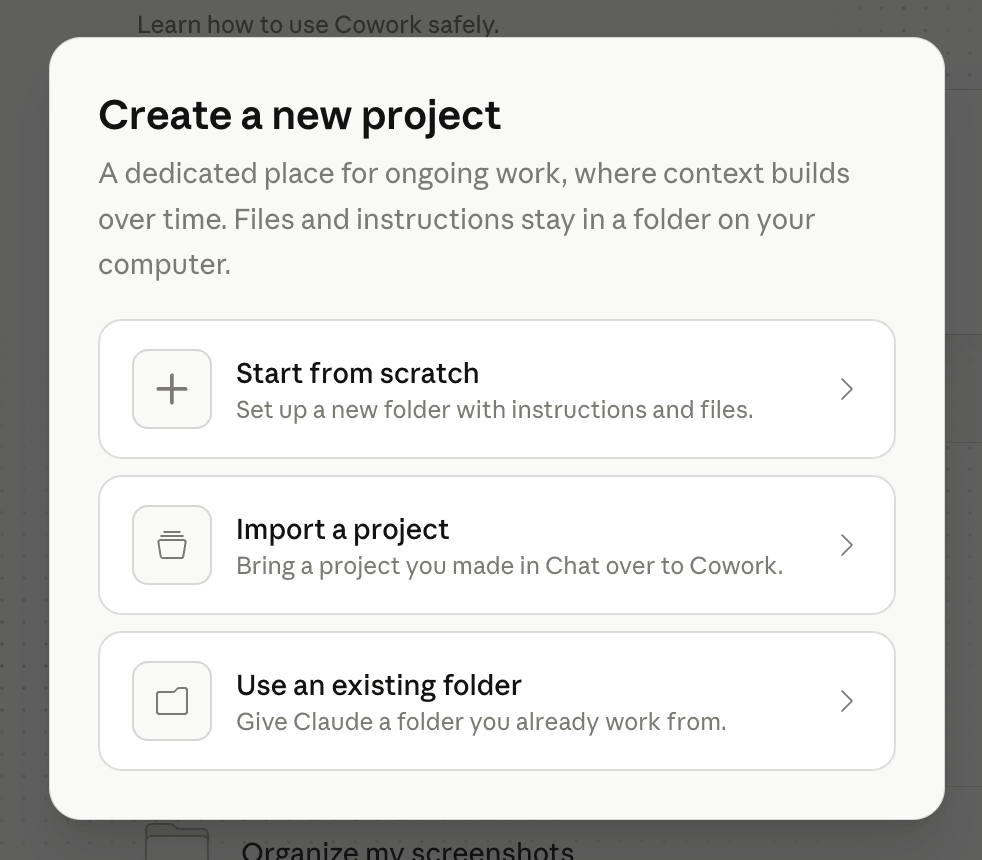
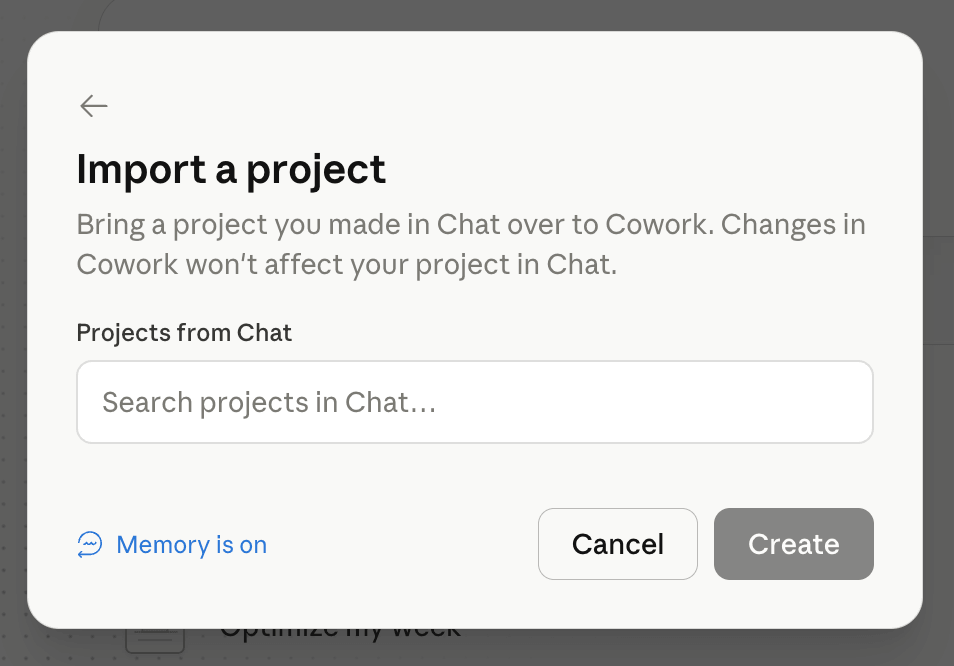
The user begins by importing a "Claude Project"—a workspace containing specific brand guidelines, personas, or technical documentation. By linking a project to Cowork, the agent gains immediate access to the "contextual history" and rules that govern your work, ensuring that all outputs remain consistent with your organizational standards.

3. Execution via Connectors
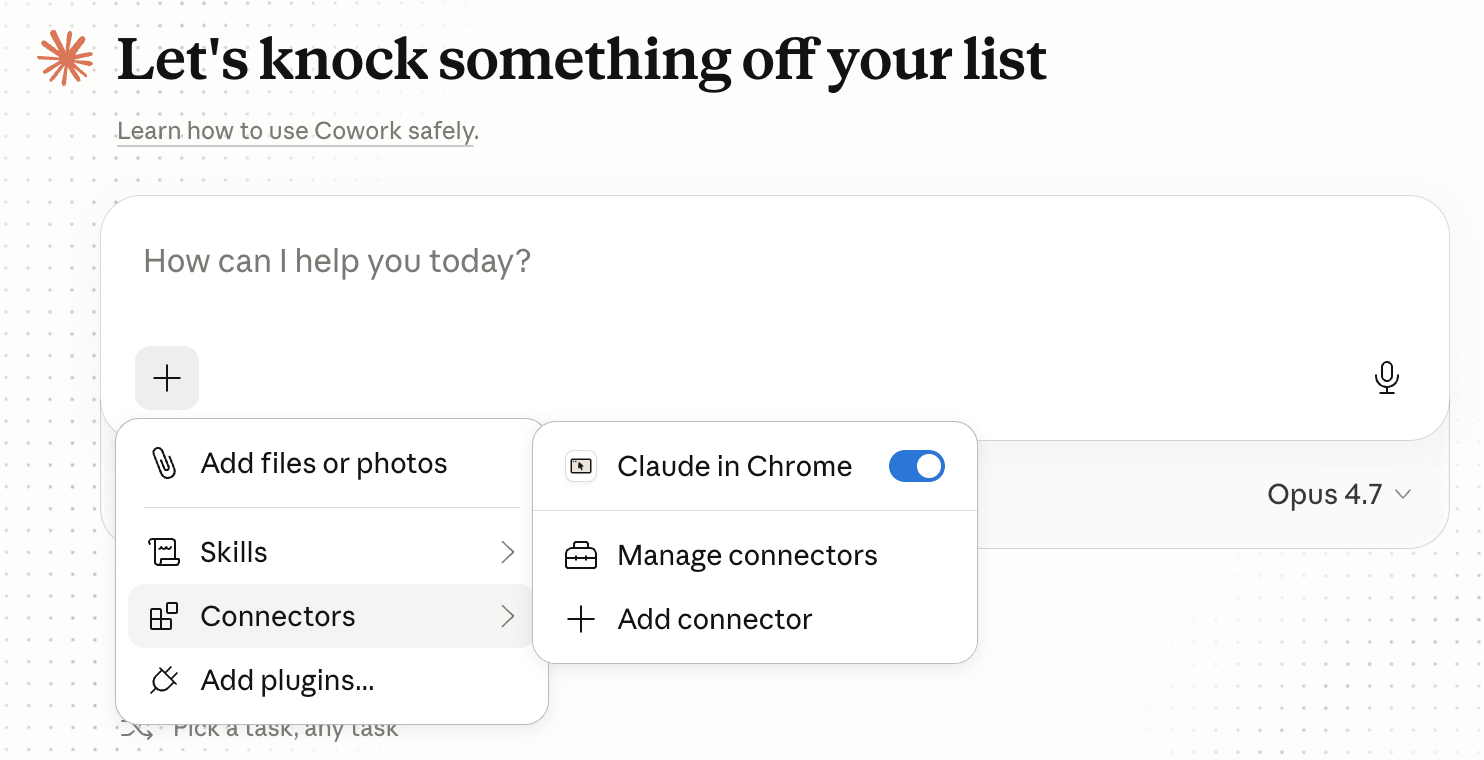
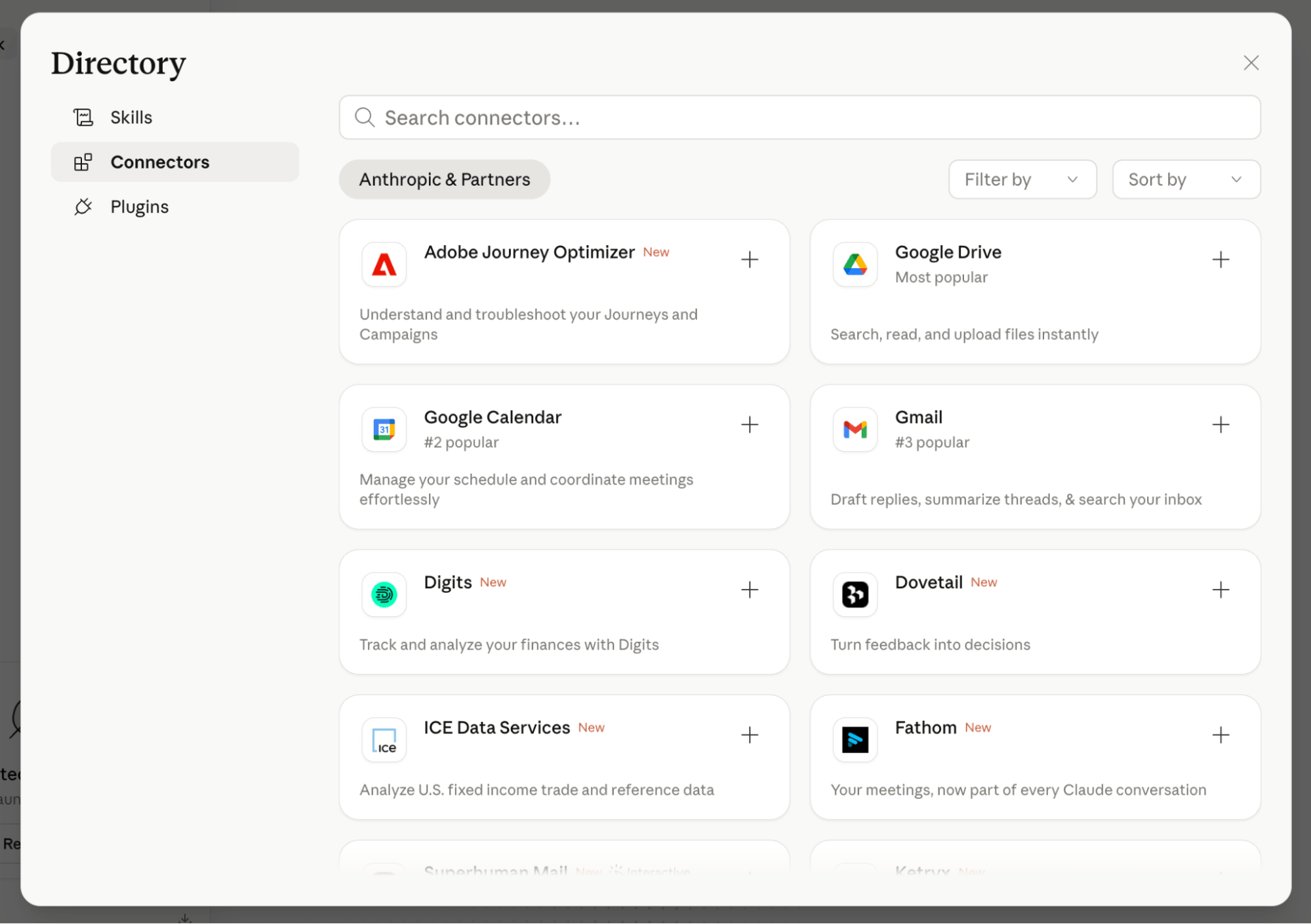
Once a goal is defined, Cowork identifies the necessary tools. Through the "Connectors" system, the agent communicates directly with platforms like Airtable, GitHub, Google Drive, or Slack. Instead of you copying and pasting data, Cowork executes these actions in the background, making real-time decisions about which tool is most appropriate for the task at hand.
4. Background Tasking and Supervision
Perhaps the most significant feature is the Chrome-based tasking. When authorized, Cowork operates in a dedicated browser tab group. It navigates, fills forms, logs into platforms, and proofreads content while you continue your primary work in other tabs. You are kept updated through a running, text-based "play-by-play" of its progress, allowing for quick interventions if necessary.
Practical Applications: Real-World Use Cases
Website Management and Technical Tasks
For users without coding expertise, Cowork acts as a technical partner. When faced with a task like injecting tracking code into a WordPress site, the agent can navigate the backend, audit available plugins, recommend the most reliable options based on community usage, and perform the installation—all while ensuring the site remains stable.
Scalable Content Production
Content creators can transform their existing Projects into "hands-free production engines." By providing a single directive—such as "Search for daily industry topics, retrieve source material, and generate three summaries and two LinkedIn posts based on my brand voice"—users can wake up to a fully prepared editorial calendar.
Model Optimization
As Anthropic releases new, more capable models, existing system prompts often become obsolete. Cowork can analyze your legacy project prompts and rewrite them from scratch to better leverage the capabilities of newer models like Opus 4.6, saving hours of manual revision.
The Technical Infrastructure: Skills and Plugins
The engine under the hood of Cowork relies on two specific structural elements: Skills and Plugins.
Skills: The "Mini-GPT" Approach
A "Skill" is a packaged instruction set that defines how Claude should handle a repetitive task. Whether it is applying a specific brand voice to a document or evaluating an idea against an Ideal Customer Profile (ICP), Skills prevent the need for repetitive prompting. Once a skill is created or imported, you can simply command, "Run this by my ICPs," and the agent applies that specific logic to your current task.
Plugins: Thematic Bundles
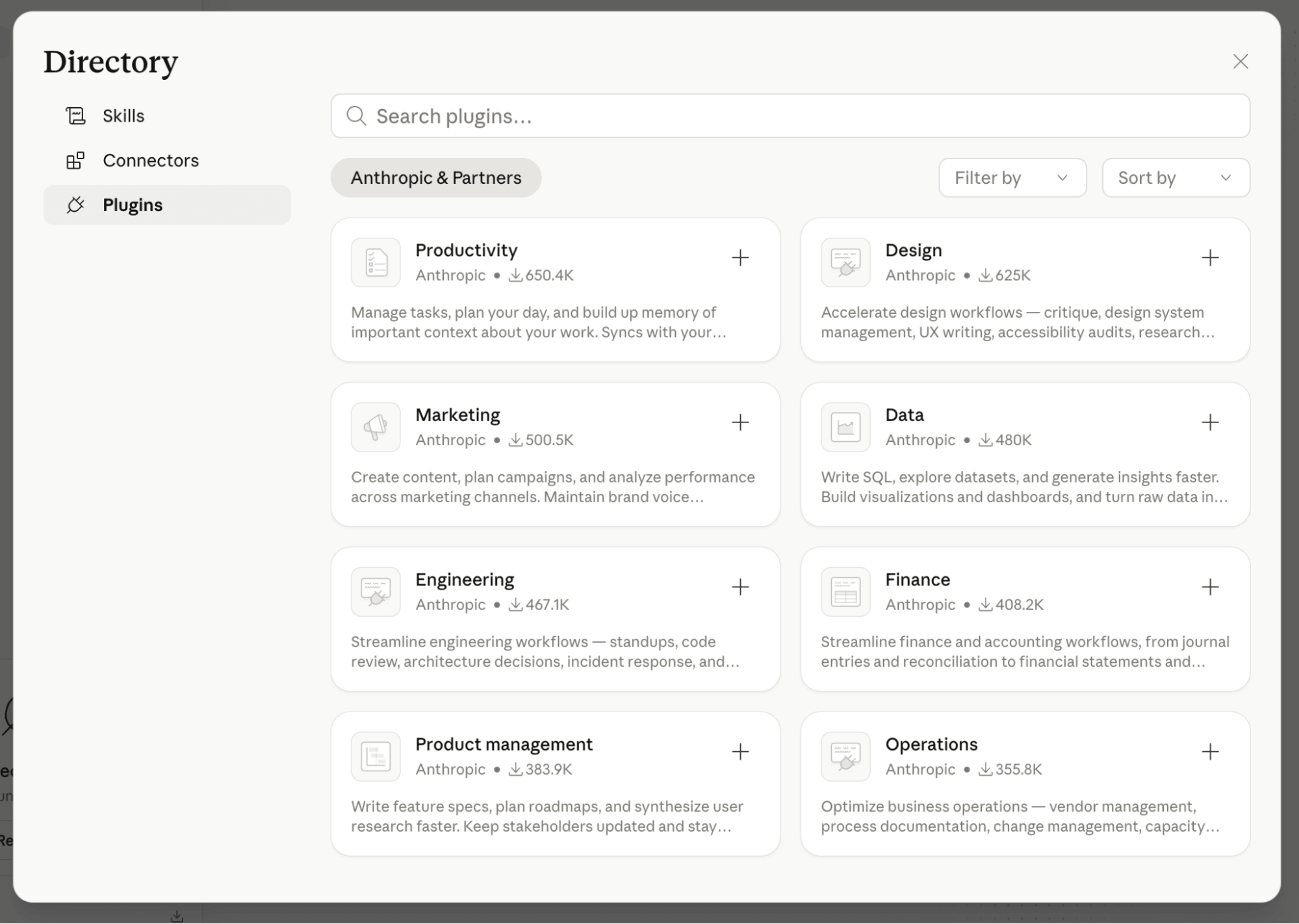
While a Skill handles a single task, a Plugin is a thematic collection of skills. If you are working on a marketing campaign, you might enable a "Marketing Plugin" that bundles skills for SEO auditing, ad-copy generation, and performance reporting. This organizational layer allows for high-level project management without the clutter of individual task definitions.
Security, Compliance, and Best Practices
With great power comes the need for rigorous security management. Because Cowork has access to your local files and browser-based accounts, it must be treated with the same caution one would afford a human assistant with administrative passwords.
- Permissions: The application requires explicit permission for every new action. Users should audit these requests regularly to ensure the agent only interacts with authorized data.
- Data Privacy: For Claude Pro and Max users, conversations are eligible for model training by default. Given that Cowork may handle sensitive corporate data, users are strongly advised to navigate to their settings and opt out of data sharing immediately upon installation.
- Enterprise Compliance: For organizations on Team or Enterprise plans, it is important to note that, as of early 2025, Cowork activity is not yet logged for formal audit trails. Firms in highly regulated industries should consult their IT and security departments before deploying the tool for sensitive tasks.
Implications for the Future of Work
The introduction of Claude Cowork marks a move toward "autonomous agency." In the previous iteration of AI adoption, the human was the bottleneck, providing input for every output. In the Cowork model, the human moves into the role of a manager.
This transition has profound implications for productivity. When an AI can navigate a browser, interact with third-party software, and maintain a consistent set of "skills" across projects, the traditional "desk job" changes. Tasks that previously consumed 40% of an employee’s day—data entry, formatting, scheduling, and basic research—can now be offloaded to an agent.
This allows professionals to reclaim their cognitive bandwidth, focusing on high-level strategy, creative direction, and interpersonal collaboration, while the "digital worker" handles the operational execution.
Final Considerations
As we integrate these tools into our daily lives, the success of the transition will depend on our ability to document our processes. To build an effective Skill, one must first be able to articulate the process clearly. The better your documentation, the more capable your Cowork agent will be.
For those ready to move past the chat interface, the path is clear: define your workflows, secure your data, and begin delegating the rote work to the agent in the machine. As Anthropic continues to refine this technology, the distinction between "working" and "managing" will only continue to blur, ushering in a new, more efficient era of human-AI collaboration.