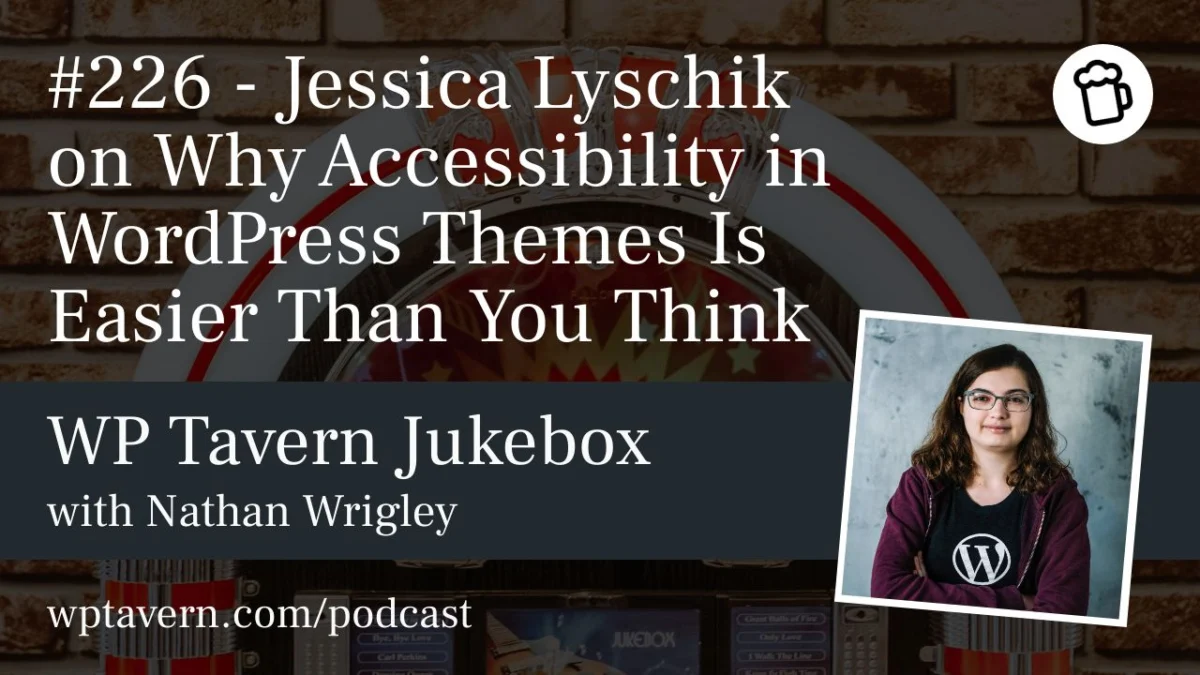
Web accessibility has long been viewed as an intimidating maze of cryptic regulations, technical hurdles, and daunting compliance checklists. For many independent developers and agency teams, the mere mention of WCAG (Web Content Accessibility Guidelines) or the European Accessibility Act is enough to prompt an immediate sigh of exhaustion.
However, long-time WordPress community member and accessibility advocate Jessica Lyschik wants to flip that narrative on its head. In her recent WordCamp Europe presentation titled "Accessibility in Themes, Easier Than You Think," Lyschik set out to demystify theme requirements, break down the low-hanging fruit, and prove that achieving accessibility-ready status is far more manageable than the community commonly assumes.
In an in-depth conversation on the WP Tavern Jukebox Podcast, Lyschik sat down with host Nathan Wrigley from the media room at WordCamp Europe to discuss the moral imperatives of inclusive design, the practical steps developers can take today, and how the rise of AI agents is radically shifting the stakes for the open web.
The Main Facts: Bridging the Gap Between Requirements and Reality
The core premise of Lyschik’s work centers on a glaring disconnect in the WordPress ecosystem: while the WordPress.org theme repository maintains an "accessibility-ready" tag, fewer than 1.5% of the over 14,700 themes currently hosted in the repository actually carry it.
Out of roughly 14,700 public themes, only about 270 have earned the designation. This stark statistic highlights a profound hesitation among creators. Many developers assume that meeting the repository’s 18 distinct accessibility requirements requires advanced technical wizardry or specialized legal consultation.
Lyschik argues that this fear is largely unfounded. The official guidelines often read like dense legal or technical specifications, telling developers what must be achieved without clearly explaining how to implement it practically in code. By translating these abstract rules into actionable developer workflows, Lyschik demonstrates that standard block and classic themes can cross the finish line with minimal friction.
Chronology: From Early Development to a Moral and Technical Journey
Lyschik’s path into the world of web accessibility did not happen overnight; it was a gradual, evolutionary process spanning her professional career in the WordPress ecosystem.
- 2005–2015: Lyschik first dipped her toes into WordPress as a hobbyist, playing with early iterations of the platform and familiarizing herself with its foundational architecture.
- 2015: She officially entered the professional WordPress ecosystem, joining a well-known agency (now operating as Syde). During this era, web accessibility was rarely discussed; it was a niche consideration rather than an industry standard.
- The Paradigm Shift: Over the past several years, as awareness surrounding digital inclusion grew, Lyschik’s perspective transformed from viewing accessibility as an afterthought to recognizing it as an essential moral and technical responsibility. Hearing firsthand accounts from blind developers and users—who detailed the catastrophic ways poorly designed websites lock them out of everyday tasks—cemented her dedication to the cause.
- Present Day: Today, Lyschik balances her agency work with active community advocacy, reviewing themes, refining documentation, and helping others understand that inclusive design benefits everyone.
Supporting Data and Technical Realities: The Low-Hanging Fruit
When developers look at accessibility through an all-or-nothing lens, they often become overwhelmed. Lyschik stresses that a massive portion of web accessibility relies on fundamental, easy-to-implement HTML and CSS best practices.
1. Semantic HTML Elements
One of the most straightforward wins involves utilizing correct semantic HTML5 tags. Instead of relying on generic <div> containers for everything, developers should explicitly use <header>, <footer>, <main>, <section>, and <aside>. In modern WordPress block themes, Core handles much of this heavy lifting automatically if template parts are configured correctly.
2. Skip-to-Content Links
For keyboard and screen reader users, navigating through repetitive site menus on every single page is exhausting. Implementing a "skip to content" link solves this. In block themes, this feature can be activated effortlessly: wrapping the main content in a group block and assigning the main HTML landmark setting causes WordPress to automatically generate a skip link in the background.
3. Alternative Text for Images
Though widely taught, missing alt text remains one of the most common oversights on the web. Lyschik points out that the media library and block editor place alternative text fields front and center; developers simply need to build the habit of filling them out rather than bypassing them.
4. Interactive Elements and ARIA Labels
Buttons that rely solely on visual icons—such as a magnifying glass for search or a telephone receiver for contact info—are entirely invisible to screen readers unless supplemented with descriptive text or aria-label attributes. Ensuring these labels are baked in from the start eliminates the need for grueling retroactive fixes down the road.
Official Responses and the Evolution of WordPress Theme Guidelines
The guidelines governing accessibility-ready themes on WordPress.org are anchored in a subset of the internationally recognized Web Content Accessibility Guidelines (WCAG). While these rules have historically remained stable—with major updates occurring infrequently over the past decade—recent tweaks have introduced fresh considerations for theme authors.
Notably, a newly added requirement dictates that an accessibility-ready theme must not recommend or require a plugin that is non-accessible. This specific rule has sparked healthy debate within the community, creating a grey area regarding how theme authors vet third-party plugin dependencies.
Furthermore, recent documentation updates have introduced concepts like the accessibility.txt file—an emerging standard meant to transparently document the accessibility features, hidden screen-reader text classes, and architectural choices embedded within a theme.
Despite these updates, the WordPress repository maintains a voluntary approach. Themes are not banned from the repository simply for lacking the accessibility-ready tag. Lyschik supports this gradual, educational approach, arguing that forcing compliance without proper documentation breeds resentment, whereas empowering developers through clear education yields sustainable, long-term adoption.
Implications: The Intersection of Accessibility and AI Agents
Perhaps the most fascinating insight emerging from Lyschik’s advocacy is the unexpected convergence of human accessibility and artificial intelligence.
As the tech industry races toward autonomous AI agents capable of browsing the web, placing e-commerce orders, and managing digital administration on behalf of users, the technical requirements for these agents mirror those of assistive technologies.
An AI agent navigating an online storefront to purchase a specific item does not "see" the website visually; it relies entirely on the underlying code structure. If a site lacks semantic HTML, clear button labels, and structured data, the AI agent will stumble just as a screen reader user would. Conversely, building a website with human accessibility in mind inherently optimizes it for machine readability.
Major tech companies, including Google, have increasingly emphasized that accessibility compliance will dictate how effectively AI agents can interact with web properties. This realization suggests that the push for accessible development is no longer solely about compliance or moral duty—it is rapidly becoming a core commercial imperative for businesses that want their digital storefronts to remain navigable by the next generation of automated software.
Conclusion: Shifting the Culture
Web accessibility is no longer an obscure specialty reserved for a dedicated few; it is a fundamental pillar of professional web development. As Jessica Lyschik demonstrated at WordCamp Europe 2026, the tools to build inclusive sites are already built into the core of WordPress.
By embracing semantic HTML, leveraging the native power of block themes, and addressing accessibility requirements at the inception of a project rather than as a frantic afterthought, developers can save countless hours of remedial work. More importantly, they can help build a web that works for everyone—human and machine alike.
To dive deeper into Jessica Lyschik’s insights, listen to the full interview on the WP Tavern Jukebox Podcast, where you will find comprehensive show notes, resource links, and past episodes dedicated to the WordPress ecosystem.