By: Editorial Staff (Based on insights by Danielle Torrie)
Updated: July 9, 2026
In the high-stakes world of B2B SaaS, the "Request a Demo" button is often treated as a low-friction utility—a mere formality in the digital storefront. However, for many marketing teams, the reality is starkly different: demo requests are plummeting, sales teams are frustrated by low-quality leads, and marketing budgets are being burned on ads that fail to convert.
The core issue, according to industry experts, is a fundamental misunderstanding of the buyer’s journey. Asking a prospective customer to commit to a sales conversation is a significant psychological and operational hurdle. It is not a simple click; it is an invitation for a stranger to enter their workflow. When companies treat this request as a trivial CTA, they ignore the 211-day average B2B customer journey that involves nearly 90 individual touchpoints.
The Anatomy of a Mismatched Journey
The primary reason SaaS demo pages underperform is not necessarily poor design or weak copy—it is a traffic problem. Marketers often direct cold, low-intent traffic to demo pages, hoping that a polished landing page will magically transform a stranger into a qualified prospect.
Research indicates that at any given time, only 3% to 5% of a total addressable market is in an active buying cycle. When you send the other 95% to a "Request a Demo" page, you are essentially asking a browser to jump straight to checkout before they have even selected their items.
To bridge this gap, B2B landing page expert Tas Bober advocates for a "Core Four" framework. This approach ensures that potential buyers are properly nurtured through the research process—understanding the problem, comparing alternatives, and building trust—before they are ever asked to speak with a sales representative. By the time a prospect reaches your demo page, it should be the final, confident step in their journey, not an abrupt, premature sales pitch.
Supporting Data: Why Conversion Rates Stall
According to Unbounce’s 2024 Conversion Benchmark Report, the median conversion rate for SaaS landing pages sits at approximately 3.8%. Recent 2026 data points from industry practitioners suggest that a realistic benchmark for high-intent demo pages often hovers closer to 3.1%.
When these numbers fall, the knee-jerk reaction is to A/B test headlines or change button colors. However, data suggests that performance ceilings are rarely broken by design tweaks alone. If the visitor is not ready to talk to sales, no amount of optimization will increase the conversion rate. True growth happens when the page content is perfectly aligned with the psychological readiness of the visitor.
Seven Common Pitfalls in Demo Page Strategy
To revitalize performance, teams must first address the seven systemic mistakes that frequently plague SaaS demo landing pages:
- Premature Ask: Pushing for a meeting before the buyer has verified their problem or your solution.
- Ignoring Traffic Intent: Sending "top-of-funnel" searchers to a "bottom-of-funnel" demo request.
- Lack of Transparency: Failing to explain what happens after the "Submit" button is clicked.
- Overly Complex Forms: Demanding too much information, which causes a sharp drop-off in completions.
- Absence of Social Proof: Not providing enough evidence (logos, testimonials, results) to justify the risk of a demo.
- Vague Value Proposition: Not clearly restating why the buyer should choose you over a competitor.
- Ignoring Objections: Failing to answer the "final hurdle" questions, such as implementation time or integration capabilities.
A Blueprint for the Perfect Demo Landing Page
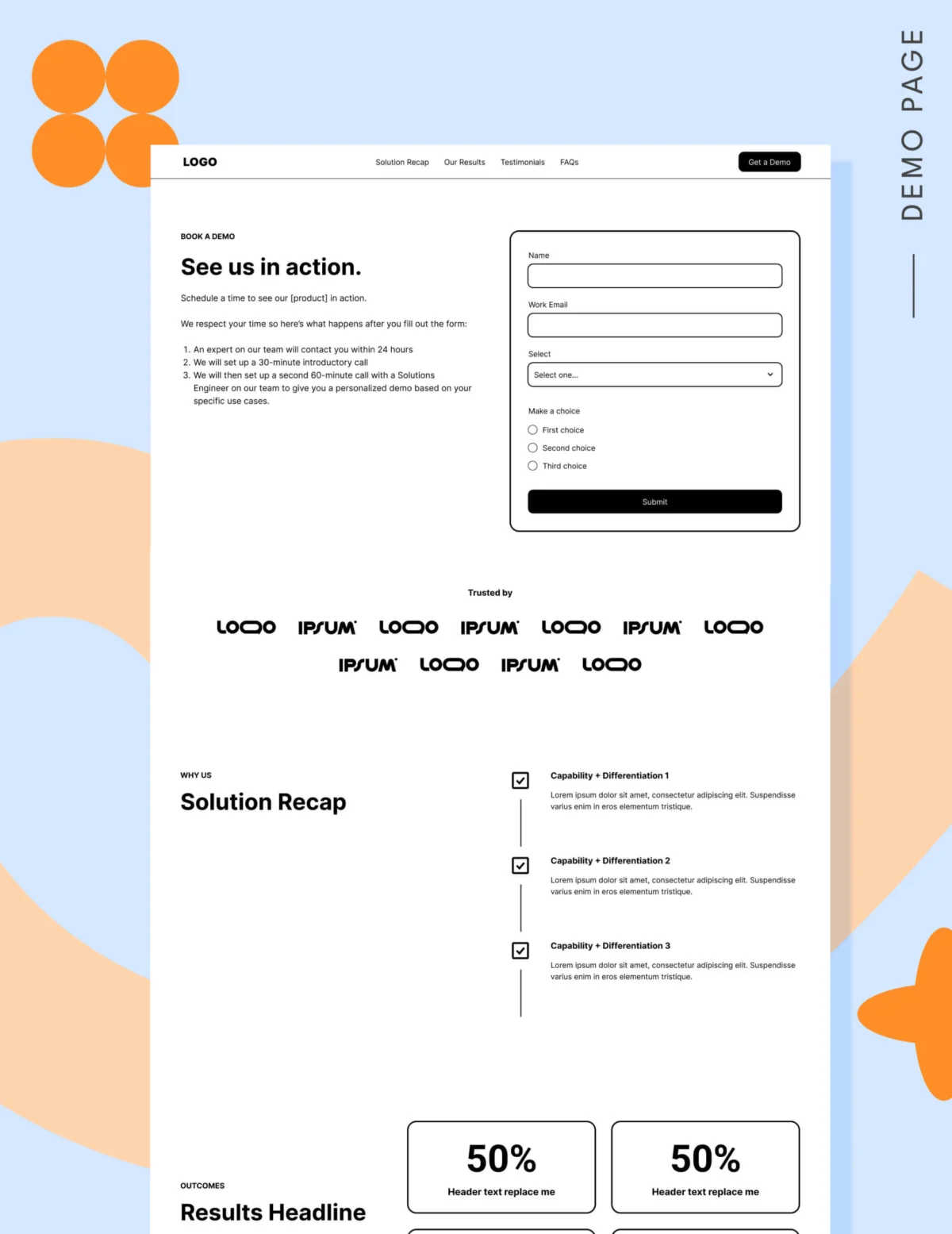
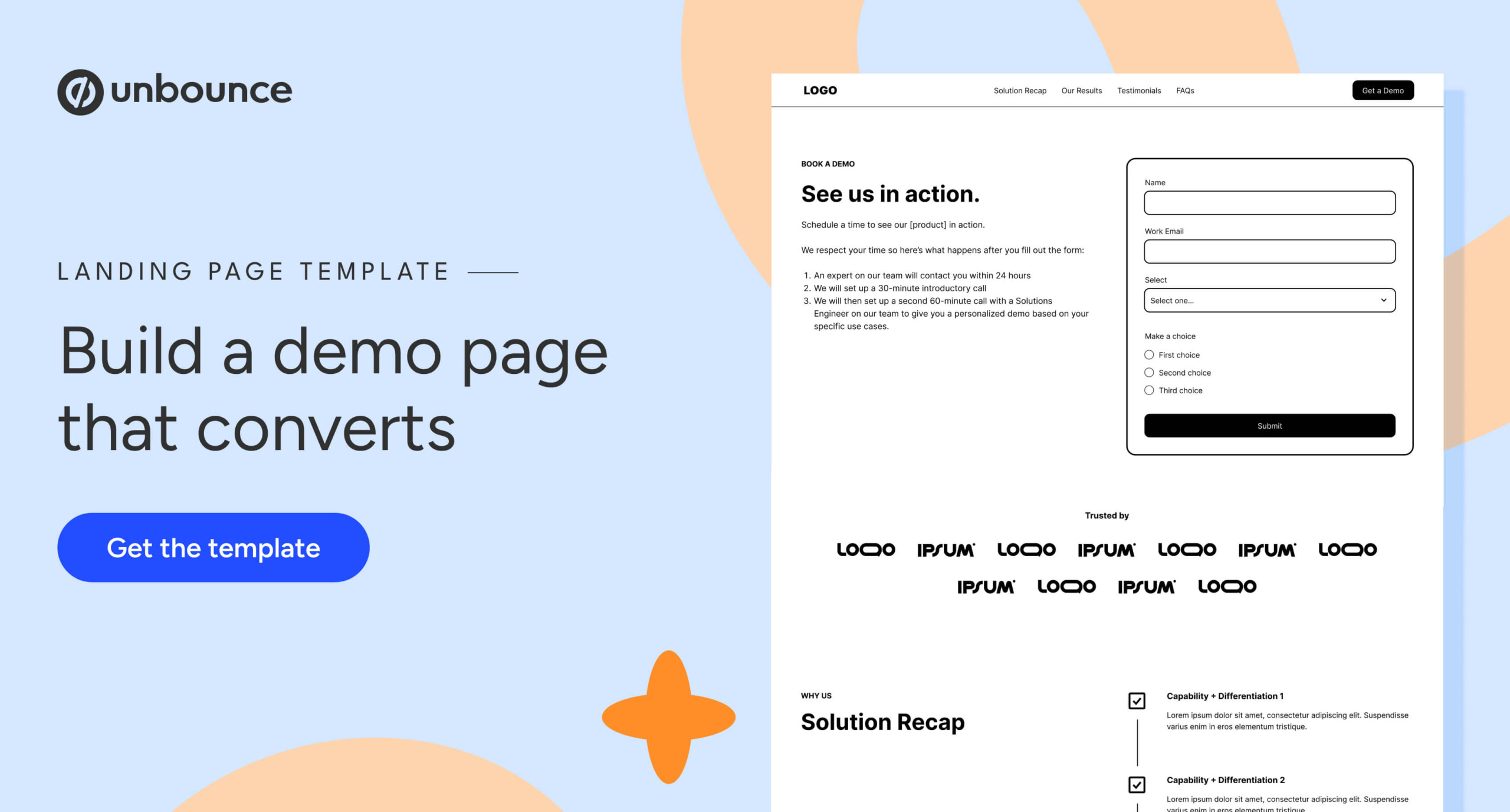
A high-converting demo page is a focused environment. It must remove distractions while providing enough information to eliminate hesitation. Based on current best practices, here is the essential block-by-block structure:

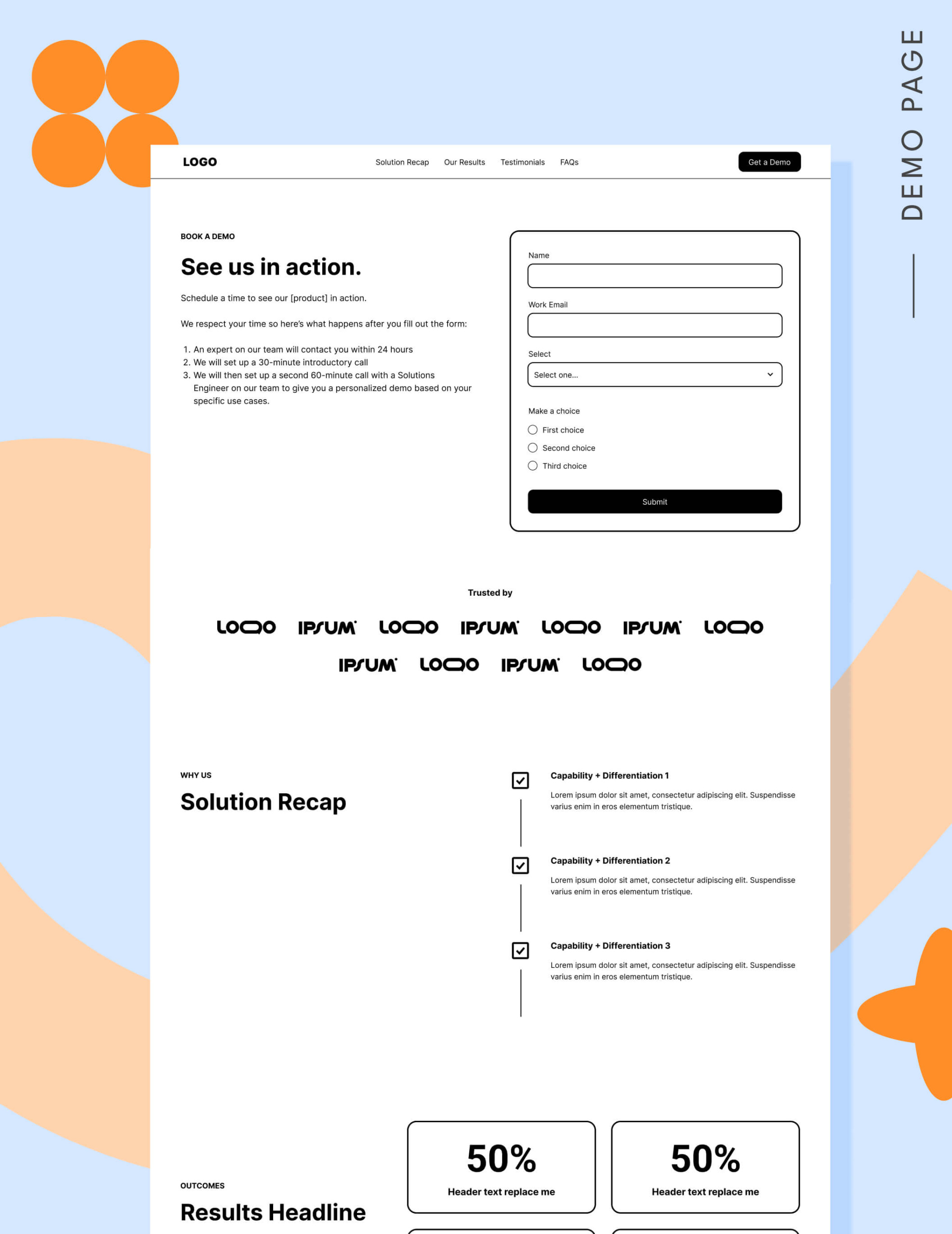
1. Strategic Navigation
While conventional wisdom once dictated that landing pages should have no navigation to prevent exits, modern SEO and UX standards have shifted. Google now rewards pages that provide relevant, user-centric pathways. Use an anchor-link navigation bar at the top to allow users to jump to sections like "Results" or "FAQs," and include a footer that links to other critical pages in your ecosystem, such as pricing or case studies.
2. The Hero Section: The "What Happens Next" Promise
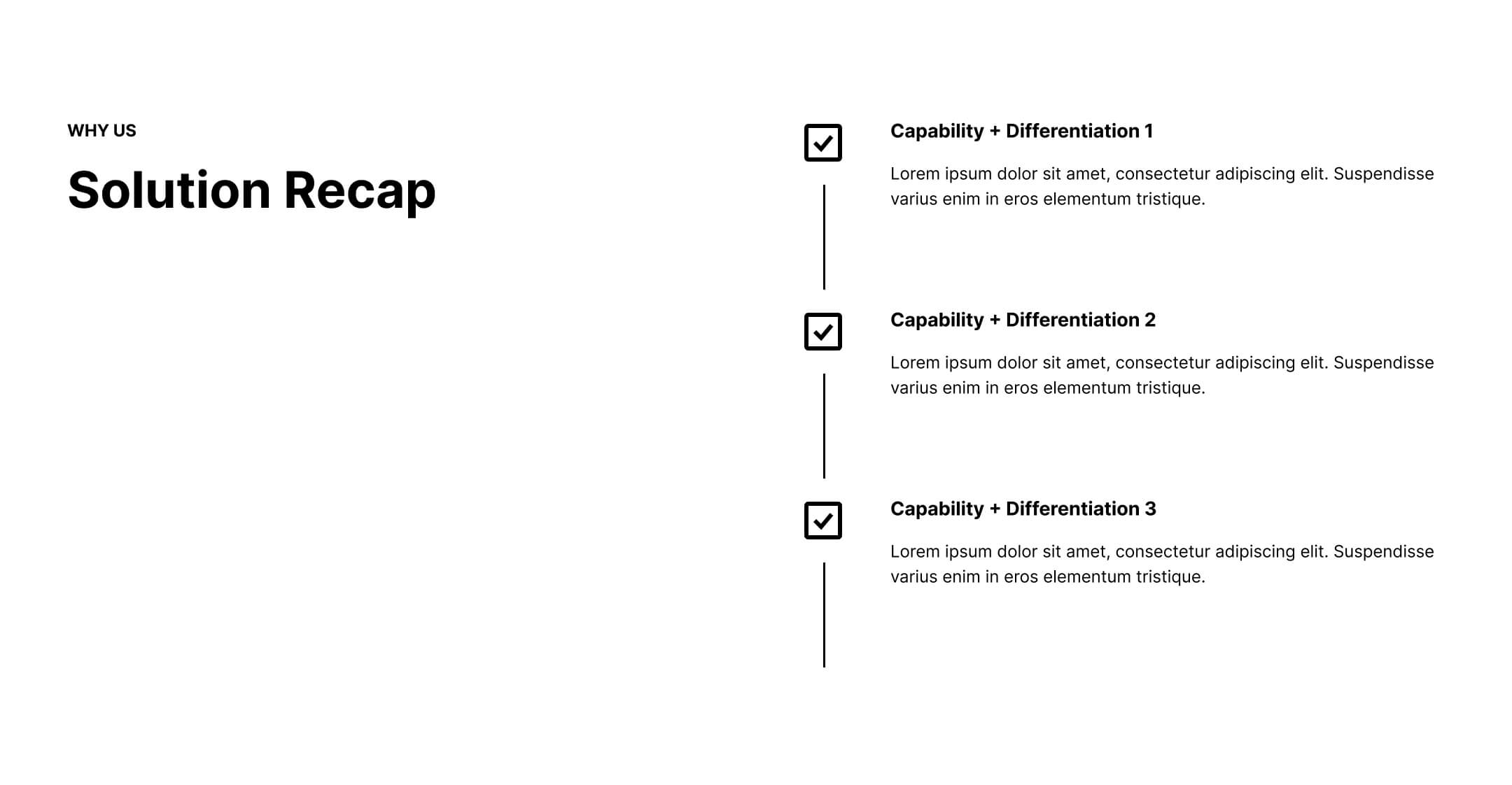
The hero should feature the form, but it must be paired with clear expectations. Tell the user exactly what to expect: Will they get a 15-minute product tour? A customized consultation? Will they talk to an account executive or a product expert? Answering these questions reduces the fear of "sales pressure."
3. Proof and Social Validation
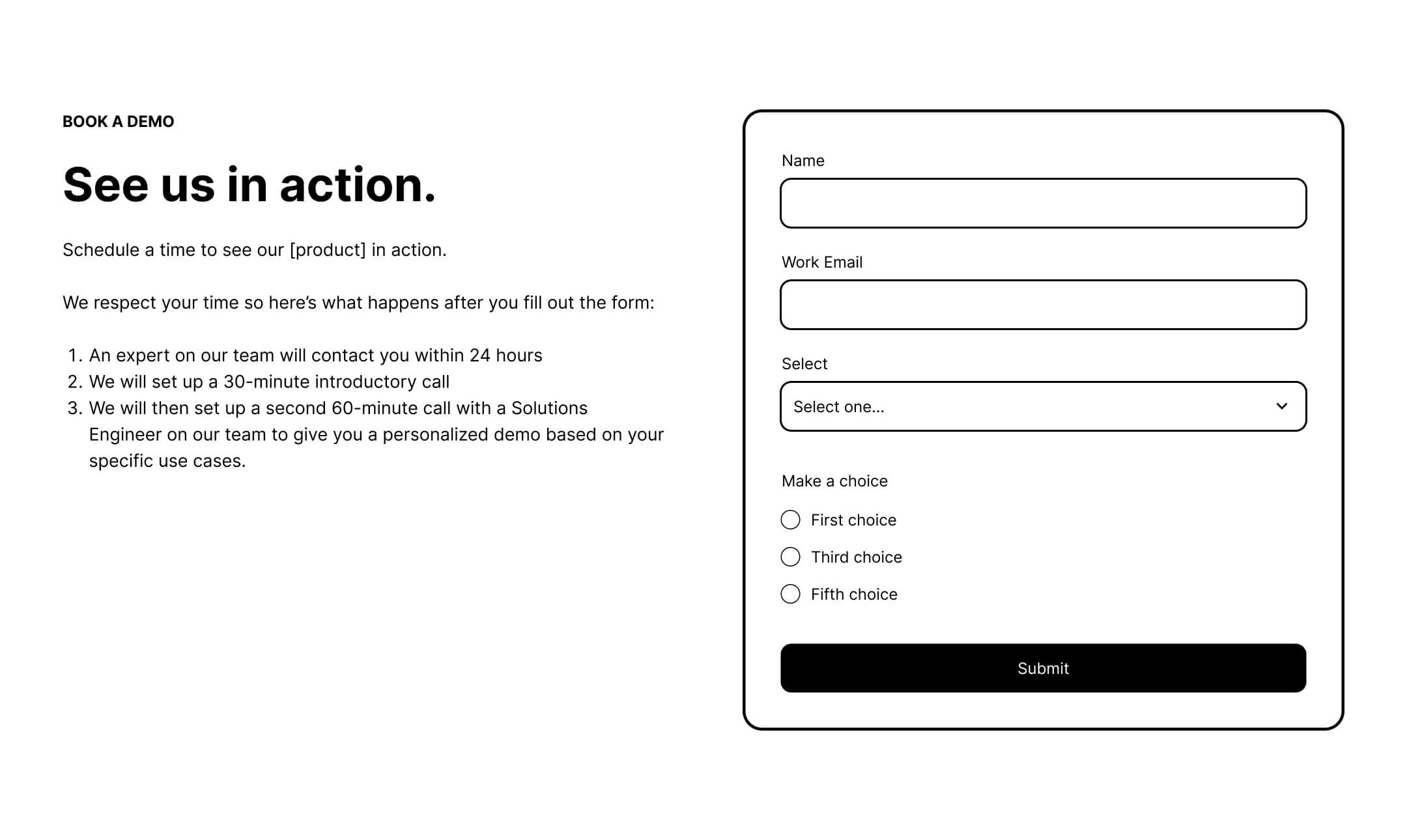
A "Logo Garden" is essential if your brand is established. If your clients are not household names, replace the logos with high-impact, one-line testimonials. Volume matters here—aim for 6 to 12 strong testimonials to signal that many others have already made the "safe" choice by selecting your software.
4. The Solution Recap
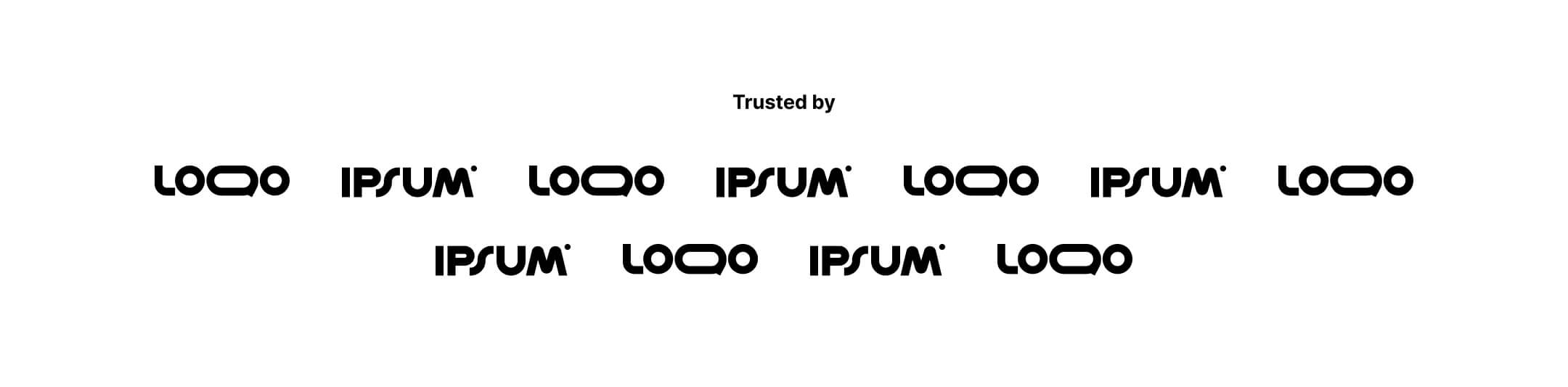
Buyers often forget the "why" during their long research process. Use a section to reiterate your primary differentiators. Keep it concise, focused on the pain point you solve, and connected to the business results the user is trying to achieve.
5. Data-Driven Results
Move beyond qualitative praise. Use charts, percentages, and metrics to show what success looks like. If your software saves users 10 hours a week, showcase that figure prominently. Quantifiable proof is the most effective antidote to buyer skepticism.
6. The FAQ Section: Handling Objections
This is the place to address the "last-minute" jitters. Answer the three most common questions your sales team hears during discovery calls. Addressing these upfront saves your sales team time and qualifies the lead before they even book the meeting.
The Pricing Debate
Should you include pricing on a demo page? For many, the answer is an emphatic yes. Even for sales-led organizations, providing a starting range (e.g., "Starting at $X/month") serves as a critical filter. It ensures that the leads booking time with your team have the budget to afford your solution, preventing wasted sales cycles.
Form Optimization: Less is More
Data from 2026 reveals a significant drop in conversion after five form fields. While sales teams often want to collect as much data as possible, this "lead qualification" desire often destroys conversion rates. Choose the one or two fields that most accurately reflect your Ideal Customer Profile (ICP)—such as "Company Size" or "Primary Use Case"—and leave the rest for the discovery call.
The Verdict: Scheduling vs. Forms
The choice between a static form and a scheduling tool (like Calendly) should depend on your sales process:
- Use a Form when: You need to manually qualify leads, have a complex routing process, or need to verify email addresses before allowing a booking.
- Use a Scheduler when: You have a high-volume, transactional sales process and the traffic is highly qualified.
Implications: A Culture of Alignment
Ultimately, the performance of a demo landing page is a reflection of the relationship between marketing and sales. If marketing is sending leads that sales finds "low quality," the solution is not to change the landing page design—it is to improve the targeting.
When marketing communicates the "what happens next" process clearly and sales follows through with a professional, low-pressure consultation, the demo becomes a point of trust rather than a point of friction. By aligning the content on your page with the reality of your buyer’s journey, you transform the "Request a Demo" button from a source of frustration into your most powerful growth engine.