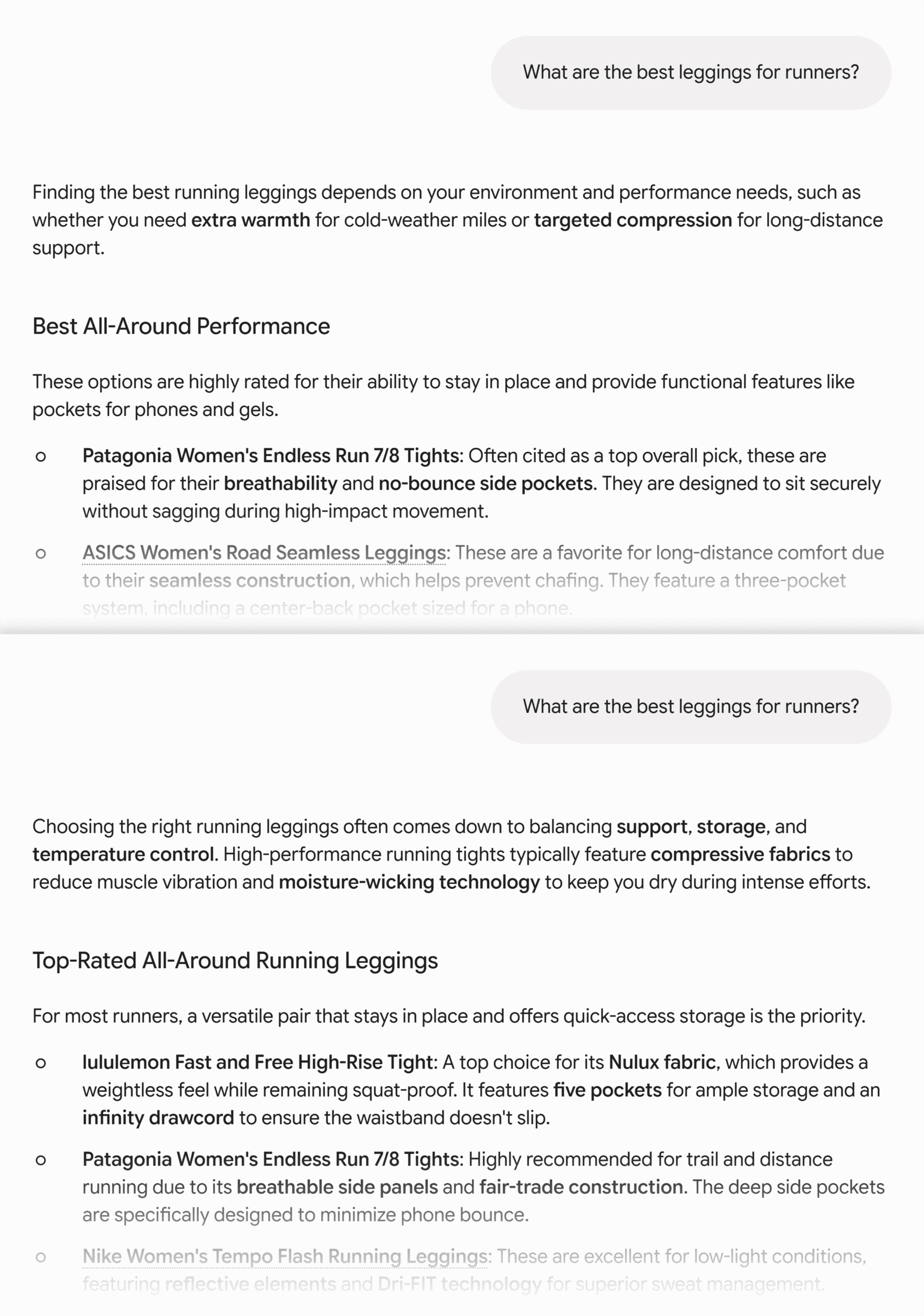
In the fast-paced world of digital marketing, performance dips rarely announce themselves in advance. Whether it is a core product page silently slipping down Search Engine Results Pages (SERPs), a nimble competitor suddenly outranking your cornerstone content, or a high-stakes client landing page failing to generate conversions, website managers often find themselves scrambling for answers.
Traditionally, diagnosing these sudden drops required complex, site-wide crawls and tedious data extraction. However, modern search engine optimization (SEO) methodology increasingly prioritizes agility—the ability to assess, triage, and isolate page-level performance anomalies in real time without digging through thousands of irrelevant URLs.

Enter the SEOquake Chrome extension, a robust, free auditing tool developed by Semrush. Designed for instant on-page and technical evaluation, this tool allows digital strategists, developers, and content marketers to analyze any webpage directly within their browser.

This comprehensive guide explores a streamlined, three-minute triage and diagnosis workflow using SEOquake, illustrating how professionals can transition from initial problem identification to actionable fixes with surgical precision.

1. Main Facts: The Anatomy of Rapid Page-Level Auditing
When a high-priority URL underperforms, time is of the essence. Reaching for a comprehensive site-wide crawl right out of the gate is often inefficient. Instead, experts recommend a targeted approach focused solely on the anomalous URL.

What is SEOquake?
SEOquake is a complimentary browser extension that surfaces deep technical signals, on-page SEO metrics, linking strategies, and core Semrush data for any live webpage. Upon installation, clicking the extension icon opens a dynamic interface that simplifies SEO research.

The extension offers two distinct ways to audit:

- The Quick View Pop-Up: Provides an immediate 60-second health check of core on-page parameters.
- The Full Report Dashboard: Delivers granular, multi-panel insights into technical compliance, keyword structures, link integrity, and domain authority.
Crucially, SEOquake utilizes a color-coded reporting system throughout its interfaces. These visual cues allow auditors to instantly prioritize their remediation efforts:

- Green Signals: Indicate optimal performance or adherence to best practices.
- Orange Signals: Represent warnings or minor flags that require contextual judgment calls.
- Red Signals: Highlight critical technical or structural errors that can severely inhibit search visibility and user experience.
2. Chronology: The Three-Minute Diagnostic Workflow
To maximize efficiency, professionals rely on a structured, time-blocked protocol. By dividing the audit into distinct phases—Triage (Minute 1) and Diagnosis (Minutes 2–3)—marketers can systematically eliminate guesswork.

Minute 1: Triage Any Page’s SEO Issues with the Quick View Pop-Up
The triage phase is designed to answer a singular question within 60 seconds: Is there an obvious, critical failure on this page?

The Quick View pop-up is organized into five distinct tabs. For a rapid triage of a standard e-commerce product page (such as an UnderFit apparel listing), auditors typically focus on three core tabs, spending roughly 20 seconds on each:

- Page Info Tab (Core Elements):
- Assess the page title length, meta description, canonical URL status, HTTP header response, and meta robots tags.
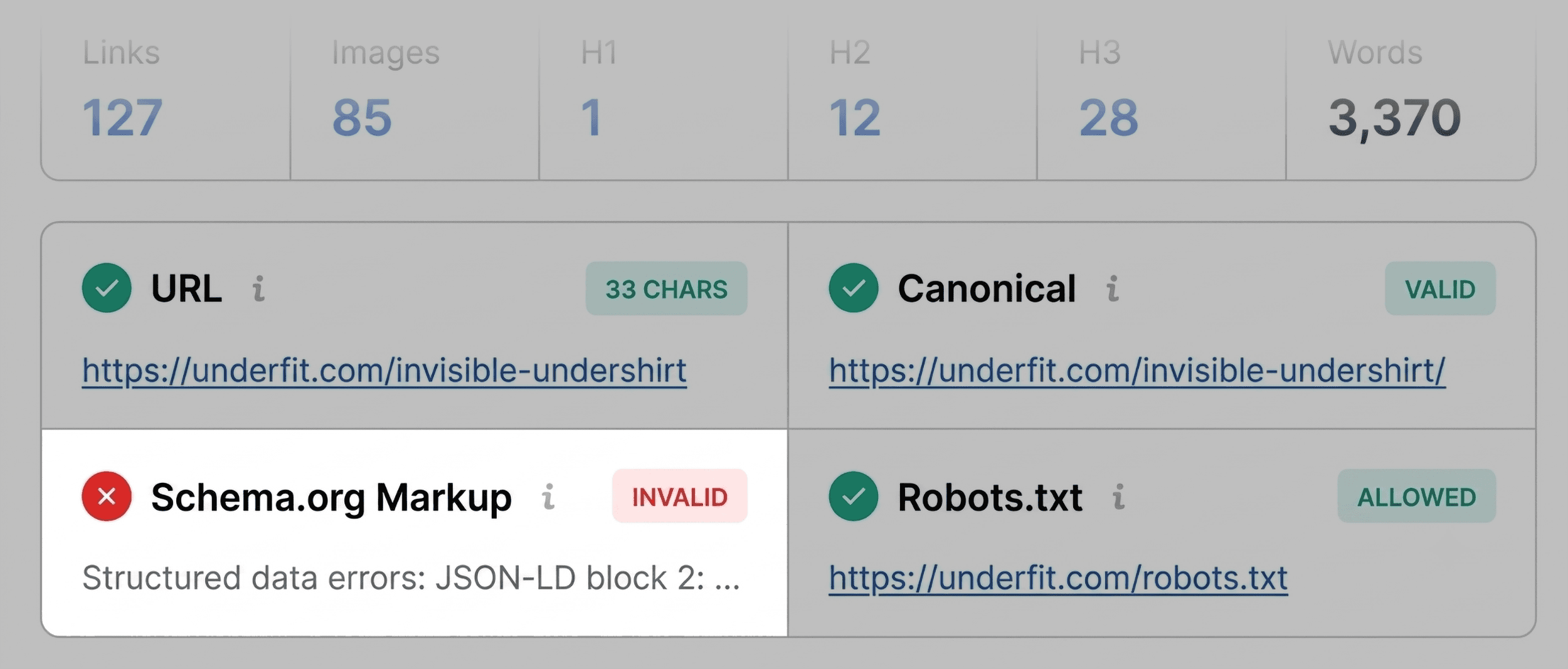
- Scan for red flags. For instance, if Schema.org structured data is flagged in red due to JSON-LD parsing errors, search engines may struggle to interpret the data. For e-commerce pages, invalid product schema directly compromises eligibility for rich results—sacrificing vital price, availability, and review star displays in the SERPs.
- Audit Tab (Technical Problems):
- Review foundational technical checks, including mobile responsiveness, indexability, and hreflang implementation.
- While green elements provide peace of mind, orange warnings require a strategic risk assessment based on the specific page architecture.
- Content Tab (Structure and Keywords):
- Evaluate heading tag distributions ($H_1$ through $H_6$) and image optimization parameters.
- On many underperforming pages, structural anomalies—such as an $H_1$ tag appearing deep within the body copy or erratic jumps from an $H_1$ directly to an $H_4$—disrupt both reader navigation and AI-driven search comprehension. Additionally, tracking missing image
alttext reveals accessibility and visual search gaps.
Minutes 2–3: Deep-Dive Diagnosis Using the Full Report
Once immediate warning signs are logged during triage, the auditor clicks "View Full Report" to enter the diagnostic phase. This comprehensive dashboard contains six specialized panels:

- Full Audit Panel: Offers granular diagnostics on crawlability, sitemaps, and structured data validation. By clicking features like "Test in Rich Results," auditors can seamlessly launch tools like the Google Rich Results Test to confirm parsing errors.
- Keyword Density Panel: Evaluates visible term frequency via a visual Keyword Cloud and multi-word phrase tables. This ensures topical alignment matches the page intent while filtering out HTML button or widget text noise.
- Links Panel: Audits internal and external link health, identifying broken hyperlinks, HTTP response status codes, and the balance of dofollow versus nofollow attributes.
- Semrush Domain Metrics Panel: Provides top-level visibility into domain authority, organic traffic volume, and backlink profiles.
3. Supporting Data & Contextual Analysis
Effective SEO troubleshooting relies heavily on contextualizing page-level issues within broader domain metrics.

When evaluating a site like UnderFit, the Semrush data panel often reveals a classic digital marketing paradox: a weak individual page operating on a fundamentally strong domain. If a domain boasts robust organic visibility and a healthy, authoritative backlink profile, but a specific landing page lags behind, the root cause is almost universally confined to page-level content, structural deficiencies, or technical syntax errors.

However, certain flags uncovered during the SEOquake audit transcend individual URLs:

- XML Sitemap Discrepancies: Warnings indicating that an XML sitemap exists at
https://example.com/sitemap.xmlbut lacks proper internal referencing are typically site-wide architectural concerns. - Template-Level Schema Failures: JSON-LD syntax errors often replicate across every product or blog template generated by a Content Management System (CMS).
When these macro-level issues are suspected, relying solely on page-level extensions becomes insufficient, necessitating a transition to comprehensive platform crawls.

4. Official Responses and Industry Implications
As search engine algorithms evolve to emphasize user experience, Core Web Vitals, and semantic clarity, the margin for technical error on landing pages narrows significantly.

Industry veterans note that tools bridging the gap between quick visual checks and deep diagnostic data—such as SEOquake paired with Semrush Site Audit—fundamentally change how agencies manage client portfolios. Instead of waiting hours for massive site crawls to complete just to find a broken product schema tag, practitioners can identify and document dozens of critical fixes across multiple client properties in the time it takes to brew a cup of coffee.

Furthermore, the rise of AI-driven search and answer engines places a renewed premium on clean HTML structures, proper heading hierarchies, and valid structured data. When AI scrapers parse a webpage, logical tag ordering and descriptive image alternative text are no longer mere "best practices"—they are critical prerequisites for inclusion in zero-click search summaries and generative AI recommendations.

5. Strategic Implications: Next Steps for Web Managers
Conducting a three-minute SEOquake audit transforms passive observation into an active, prioritized remediation roadmap.

- Immediate Remediation: Address localized page-level fixes first, such as rewriting sub-optimal title tags, inserting missing image alternative attributes, and correcting broken internal links.
- Template Corrections: Coordinate with web development teams to resolve recurring schema markup errors and template heading hierarchy flaws.
- Escalation to Site-Wide Audits: For macro-level warnings—such as sitemap indexing errors or site-wide crawl blockages—transition to a full diagnostic suite, utilizing platforms like Semrush Site Audit to scan all 100+ URLs within your domain architecture.
By mastering rapid diagnostic workflows, modern digital marketers can protect their organic traffic, maximize conversion potential, and maintain pristine technical health across their digital ecosystems.