In the modern digital landscape, the sheer volume of daily information can feel overwhelming. For professionals embedded in the WordPress ecosystem—developers, agency owners, and long-time contributors—keeping pace with core updates, feature releases, community discussions, and plugin shifts has become a full-time job in itself. The endless deluge of RSS feeds, Slack channels, Trac tickets, and blog posts creates an information firehose that is difficult to navigate efficiently.
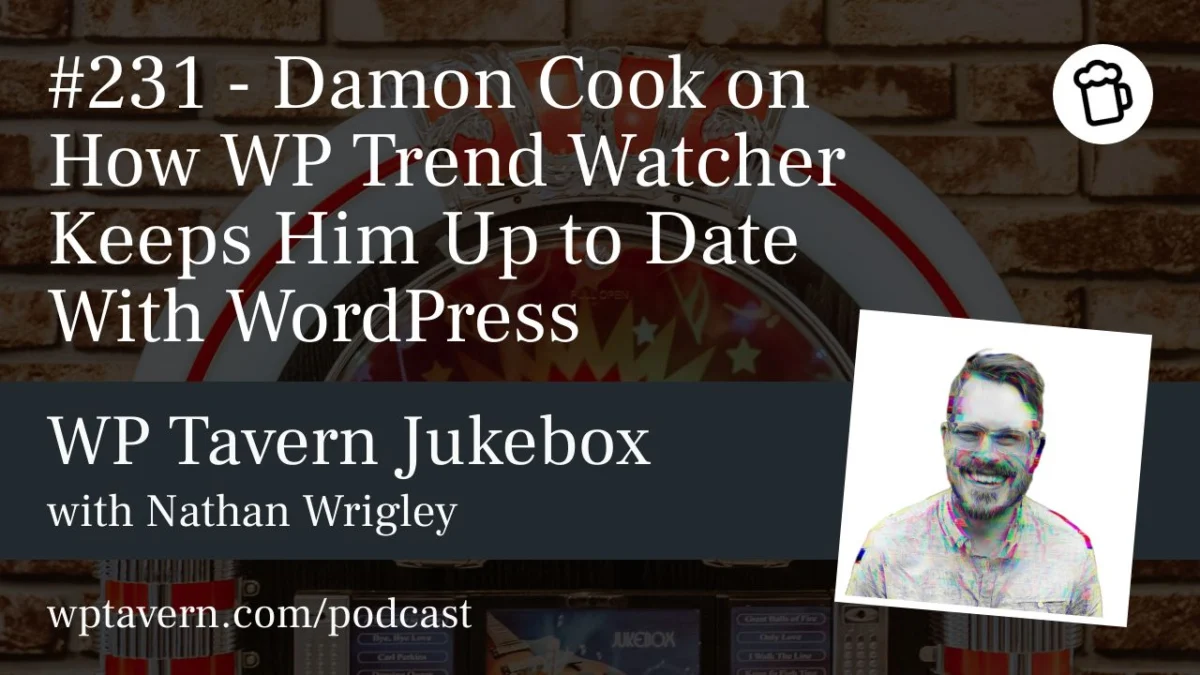
Enter WP Trend Watcher, an open-source tool created by developer and agency owner Damon Cook. Designed to cut through the digital noise, this local AI-powered utility filters and summarizes WordPress news while retaining an indispensable element: critical human oversight. In a recent interview on the WP Tavern Jukebox Podcast hosted by Nathan Wrigley, Cook discussed the motivation behind the tool, its technical architecture, and why the "human-in-the-loop" model remains vital in an era of automated content.
Main Facts: What is WP Trend Watcher?
At its core, WP Trend Watcher is a TypeScript-based, open-source tool designed to help WordPress professionals stay ahead of industry developments. Running locally on a user’s machine, the software ingests a curated list of RSS feeds from reliable sources across the WordPress space, processes the articles through a local large language model (LLM), and generates concise weekly summaries.
Key Features of WP Trend Watcher:
- Local AI Execution: Utilizing applications like LM Studio, the tool runs open-source language models locally on consumer hardware (such as an Apple Mac with 18GB of unified memory), bypassing the need for cloud-based APIs.
- Intelligent Summarization: Prompt-based filtering instructs the AI to look past marketing fluff and surface factual, developer-relevant updates.
- Human-in-the-Loop Curation: Unlike fully automated content scrapers, the tool requires the creator to manually review, fact-check, and add personal insights to each weekly report before publication.
- Public Transparency: Reports are published openly via GitHub Pages, complete with notes on how much time was spent reviewing the data and which local AI model was used to generate the summaries.
Chronology: From Community Contributor to Freelance Innovator
To understand the genesis of WP Trend Watcher, it helps to examine Damon Cook’s trajectory within the WordPress community.
- The Decade-Long Journey: Cook has worked as a developer in the WordPress ecosystem for over ten years, predominantly embedded within WordPress-centric agencies. During his tenure, he was an active contributor to the core project, navigating the intricacies of community governance, Trac tickets, and developer Slack channels.
- The Freelance Pivot: Over the past year, Cook transitioned away from agency and hosting employment to run his own freelance business, Noma Digital, alongside ongoing contract work. This shift placed him on the front lines of client delivery, where anticipating platform changes is critical.
- The Birth of the Tool: Faced with the persistent challenge of staying informed while managing client projects, Cook approached the problem with a developer’s mindset. Rather than wasting hours skimming dead-end links and repetitive articles, he began building WP Trend Watcher as a hobby project to streamline his own workflow.
- Public Release: Cook open-sourced the project on GitHub (
colorful-tones/wp-trend-watcher), allowing other developers and agency owners to fork the code, submit new RSS sources, and experiment with local AI models for their own news ingestion pipelines.
Supporting Data: The Technical Architecture and Workflow
The technical implementation of WP Trend Watcher reflects a pragmatic approach to modern artificial intelligence. While many developers rush to implement fully automated cloud-based agents, Cook deliberately constrained his application to favor control and accuracy over blind automation.
The Technical Workflow:
- Ingestion: The tool checks for updates across a predefined roster of WordPress news sources via RSS.
- Filtering: Built-in logic checks for duplicate posts across different sites covering the same topic, eliminating redundant summaries.
- Local LLM Processing: The text is passed to a locally hosted model—such as various iterations of Qwen or other efficient open-source weights running via LM Studio. The prompt instructs the model to analyze the content through the lens of a developer or agency owner.
- Auditing and Fact-Checking: Cook manually clicks through the surfaced links, reading the full articles to ensure the AI summaries are accurate and free of hallucinations.
- Human Annotation: After auditing the content, Cook writes a concluding section featuring his own qualitative judgments and reflections on the week’s trends.
- Publication: The finalized briefing is pushed to GitHub Pages, providing a transparent record of the week’s developments.
Official Insights: The Philosophy Behind "Human-in-the-Loop"
During his discussion with Nathan Wrigley, Cook emphasized a crucial distinction that many technology adopters overlook: the difference between automation and artificial intelligence.
"I think even myself… I see a lot of people confuse AI with automation," Cook explained. "When I built this project, I didn’t want to automate the whole thing—just go get RSS feeds, AI summarizes, AI publishes, just do it right? Which we could potentially do… but I limited it to that contract of: go get these RSS feeds, the latest news, come back, summarize them, and then show them to me so I can audit them."
Cook noted that relying solely on short AI summaries can cause readers to miss critical nuances buried deep within source articles. By forcing himself to click through the links and write a personal review, he ensures better retention of platform updates—such as upcoming Core releases like WordPress 7.1—while maintaining a standard of journalistic integrity.
"It does make me feel cheap," Cook admitted when discussing the use of AI for content generation. "And I think that’s why I publish these transparently… You can take all those facts and base whether you want to read this or not. Did he spend enough time? You can pass your own judgment."
Implications: The Future of Curated Tech News
WP Trend Watcher serves as a fascinating case study in how developers are utilizing local AI to reclaim their time. As content creation tools proliferate, the internet risks drowning in generic, AI-generated noise. However, tools that utilize AI as a curation assistant rather than a content replacement point toward a healthier equilibrium.
1. The Rise of Local AI Workflows
Cook’s reliance on tools like LM Studio highlights the growing viability of running capable large language models on consumer hardware. As hardware memory limits expand and model sizes shrink, developers are increasingly keeping sensitive data and personal workflows off third-party cloud servers.
2. Combating Information Fatigue
For freelancers and small agency owners, keeping up with software dependencies, security patches, Gutenberg block updates, and Core roadmaps is essential for client retention. Tools like WP Trend Watcher lower the cognitive load required to stay informed, allowing technical professionals to focus on billable work rather than administrative reading.
3. The Evolution of "Trend Watching"
While current iterations of the tool focus on weekly bullet-pointed summaries, the underlying architecture opens the door to deeper historical analysis. Over time, accumulated corpora of weekly reports could allow developers to query an AI about long-term shifts in market share, architectural decisions, and the lifecycle of specific feature proposals within the WordPress project.
Conclusion
WP Trend Watcher demonstrates that artificial intelligence, when paired with rigorous human oversight, can solve genuine productivity bottlenecks without sacrificing authenticity. By transforming a chaotic firehose of RSS data into a structured, auditable weekly briefing, Damon Cook has created a valuable utility for the WordPress community—and a blueprint for how technical professionals can harness local AI responsibly.
For those interested in exploring the project, the source code is available on GitHub under Cook’s profile (colorful-tones/wp-trend-watcher), and weekly summaries can be accessed via his official website and professional networks.